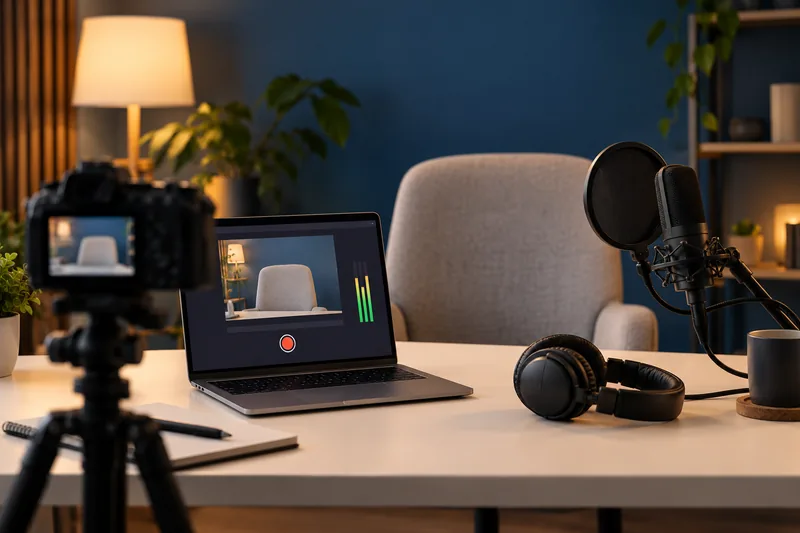
I would choose a recording container that tolerates an interrupted write, then test it in the actual editor. MKV with a verified remux route remains a useful option; current OBS Hybrid MP4/MOV offers another supported approach. Do not assume an older tutorial’s default matches the installed version.
On this page
Our recommendation
I favour a verified resilient container path over a familiar filename extension. Choose the simplest supported combination that imports and exports correctly, and keep the original recording until the edit is secure.
Distinguish ordinary and hybrid output
OBS documents Hybrid MP4 and Hybrid MOV as writing a fragmented file that is finalised through a soft-remux process, aiming to combine interruption resilience with compatibility. Ordinary MP4/MOV has different finalisation risks. The codec combinations supported by each container also differ, so the extension alone does not settle the choice.
Keep the OBS version, video codec and audio format in the recording profile. An editor may handle one combination but not another. A file that plays in a general player is not proof that all tracks import correctly into the editing application.
Test the complete recording route
Record a short representative clip with the intended audio tracks and import it into the editor. Check seeking, duration, sound, frame rate and a short export. If using MKV, verify the remuxed result too and preserve the original until the conversion is accepted.
Plan free space for both original and remuxed files. Remuxing usually changes the container without intentionally re-encoding the media, but it still creates another file and needs verification. Do not simulate power failure on valuable recordings; use supported recovery guidance and harmless tests.
A compatibility pilot
A creator records H.264 with separate microphone and desktop tracks. Test a small Hybrid MP4 and an MKV-to-MP4 route, then import both into the chosen editor. If one route loses a track or behaves poorly when seeking, investigate that specific combination before recording a long session.
Before you act
- Record the exact OBS version and codec combination.
- Test all tracks inside the editor.
- Reserve space and verify any remuxed copy.
Use the Recording storage calculator to apply the guide to your own setup.
Keep exploring
Sources and research notes
Research checked on 21 October 2026. Product specifications are manufacturer statements; examples and buying judgements are our analysis. No hands-on product test is implied.
Build on what you just learned
Your next useful step.
Check compatibility, frame rate and compression.
H.264 vs H.265: editing cost and delivery compatibility
Choose the codec the whole workflow can handle, at an acceptable quality and file size. A smaller recording is not automatically easier to edit,…
Read the guide →
V30, V60 or V90? Buy recording cards for the camera mode, not the logo alone
I would follow the camera maker’s approved card requirements for the exact recording mode, then use the speed class to understand the sustained-write…
Read the guide →