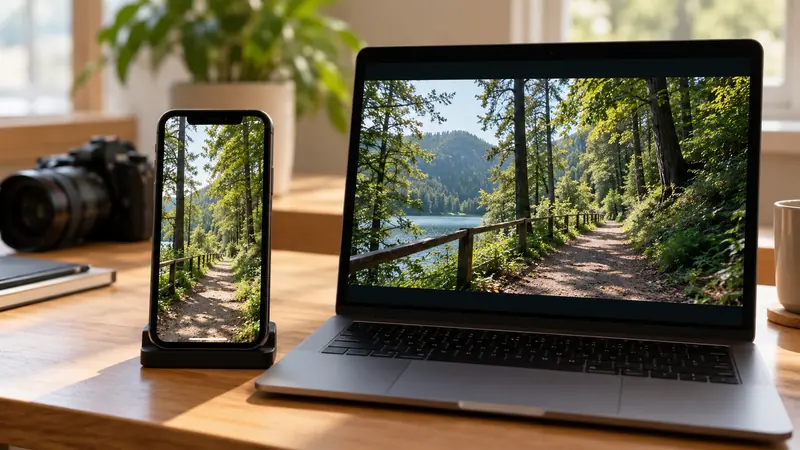
Compare the stored pixel dimensions, rotation interpretation and final rendered orientation before cropping a phone clip. I would inspect the file in the editor and a second relevant player. A clip can display upright through metadata while its stored raster has a different orientation from the one you expect.
On this page
Our recommendation
I would establish the orientation once, then frame the deliverable deliberately. Avoid compensating for a metadata interpretation problem with an unexplained crop or repeated rotation.
Separate the raster from its presentation
Record the width and height reported for the media and how the application displays it. Check whether rotation is being interpreted automatically. A manual ninety-degree rotation applied after an automatic interpretation can turn a correct picture sideways again.
Keep a source copy and use a recognisable asymmetric test frame, such as text or a clearly oriented object. A symmetrical landscape can hide a mistaken rotation or mirror operation. Avoid changing metadata blindly across a whole folder before testing one representative clip.
Build the intended delivery frame
Choose the target dimensions and aspect ratio, then decide whether the upright image should fit, fill or crop. Rotation and crop are different operations. Inspect the final frame for clipped titles, faces and edges after stabilisation or reframing.
Render a short proof and check it outside the editor. The recipient may interpret metadata differently, so a preview alone is insufficient. Keep the result’s dimensions and orientation in the delivery record, especially when handing off both original media and a rendered version.
A portrait delivery check
A source reports a 1920 × 1080 raster but displays vertically in the current player. Before exporting 1080 × 1920, confirm how the editor has interpreted the source and whether any manual rotation is already applied. Render a short asymmetric frame and verify upright text in the destination player.
Before you act
- Compare stored dimensions and displayed orientation.
- Check for automatic and manual rotation together.
- Verify the rendered proof in the destination.
Use the Aspect ratio calculator to apply the guide to your own setup.
Keep exploring
Method note: this is an original planning procedure with illustrative inputs. It does not report a physical product test. Check the exact product, edition and official instructions before acting.
Build on what you just learned
Your next useful step.
Check compatibility, frame rate and compression.
OBS Hybrid MP4 or MKV? Choose for recovery and the editor you use
I would choose a recording container that tolerates an interrupted write, then test it in the actual editor.
Read the guide →
H.264 vs H.265: editing cost and delivery compatibility
Choose the codec the whole workflow can handle, at an acceptable quality and file size. A smaller recording is not automatically easier to edit,…
Read the guide →