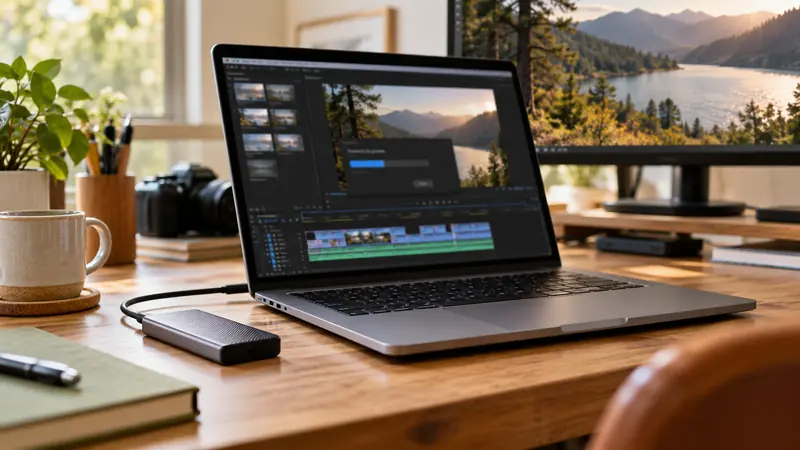
Answer: A codec name is only part of a compatibility record. Include bit depth, chroma subsampling, dimensions, frame rate, container and the actual application/hardware path.
On this page
Creator Edit Lab editorial project · Updated October 21, 2026 · Original decision framework and illustrative example. No physical product measurement or hands-on benchmark is claimed.
Why the distinction matters
Two files labeled H.265 can exercise different decoding paths. Importing a file, playing it responsively and exporting a matching profile are separate capabilities. Keep software release, edition, GPU and driver details when relevant. Avoid a universal “GPU supports this codec” claim unless the exact profile and application path are documented.
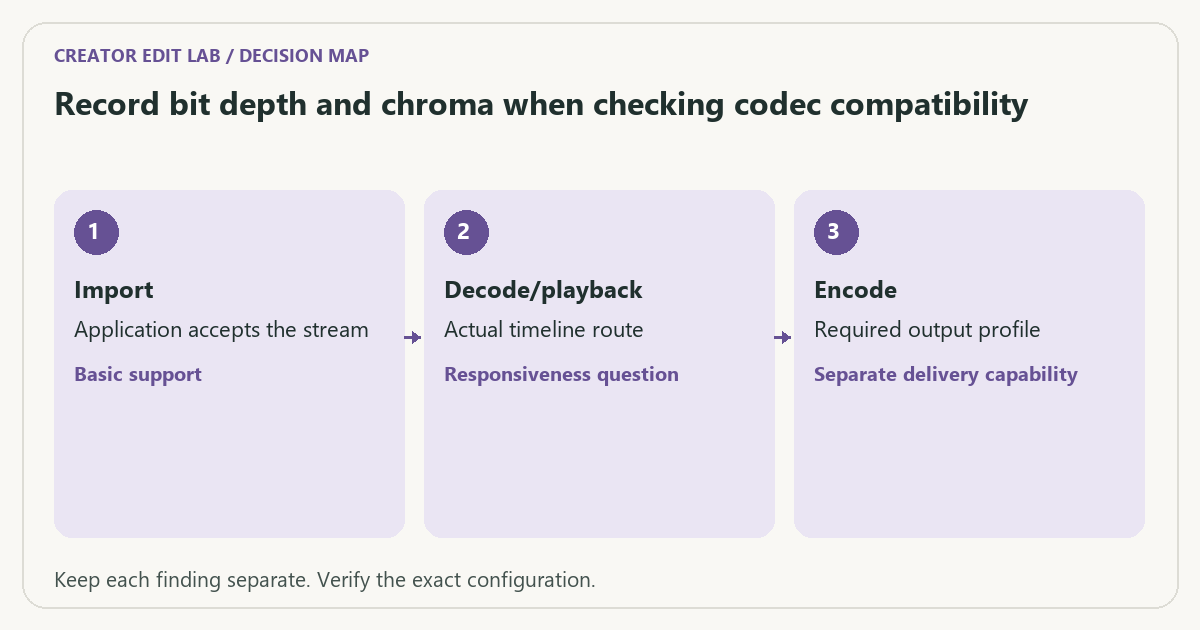
A practical sequence
- Inspect the source stream properties using a local media inspector.
- Check current application and hardware documentation for the exact profile and task.
- Test a representative clip in the real timeline with the intended effects.
- Verify a saved delivery and record any fallback or transcode used.
Decision record
| Check | What it means | What to verify |
|---|---|---|
| Import | Application accepts the stream | Basic support |
| Decode/playback | Actual timeline route | Responsiveness question |
| Encode | Required output profile | Separate delivery capability |
Worked example
A hypothetical system decodes an 8-bit 4:2:0 file smoothly but struggles with a 10-bit 4:2:2 recording bearing the same codec family name. The difference is a reason to inspect the documented path, not proof that every file in that codec is unsuitable.
Verify the result
Retain a representative source sample and your observed task conditions where permitted. A proxy or intermediate can be a practical workflow choice, but verify the originals and output separately.
Download the editable CSV worksheet · Delivery workbook
Question and answer
Does more VRAM guarantee support for every video profile? No. Codec features, hardware blocks, application support and drivers are distinct from memory capacity.
Sources and scope
- Adobe: hardware-accelerated decoding and encoding — Named software and hardware conditions; no performance ranking is inferred.
- Apple: Final Cut Pro supported media formats — Supported formats in the documented release; support alone is not a speed measurement.
The decision sequence, diagrams, worksheet and worked case are our editorial work. AI assisted research, drafting and implementation. Official references support the named technical distinctions; examples do not establish real product performance.
Continue the task
- Decode, effects and encode: three different GPU questions
- Verify a transparent video export over a contrasting background
- Browse the complete resource library
Build on what you just learned
Your next useful step.
Check compatibility, frame rate and compression.
OBS Hybrid MP4 or MKV? Choose for recovery and the editor you use
I would choose a recording container that tolerates an interrupted write, then test it in the actual editor.
Read the guide →H.264 vs H.265: editing cost and delivery compatibility
Choose the codec the whole workflow can handle, at an acceptable quality and file size. A smaller recording is not automatically easier to edit,…
Read the guide →