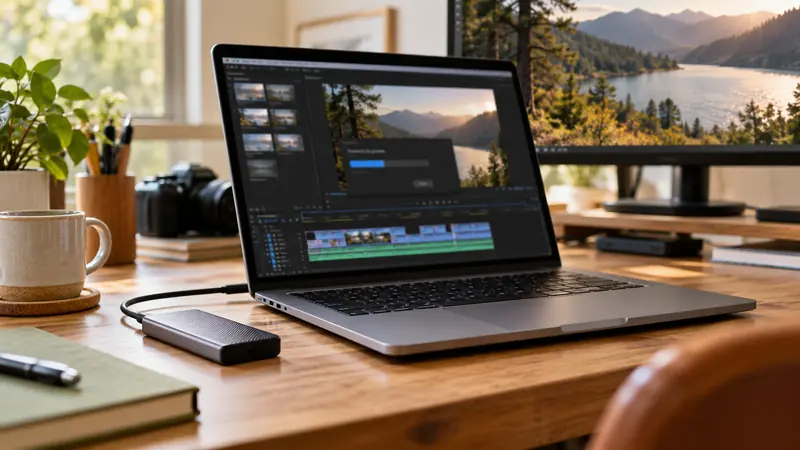
Answer: Decide whether to preserve elapsed duration or reinterpret the same frames at a new rate. Those operations can produce different speed, frame count and audio behavior.
On this page
Creator Edit Lab editorial project · Updated October 21, 2026 · Original decision framework and illustrative example. No physical product measurement or hands-on benchmark is claimed.
Why the distinction matters
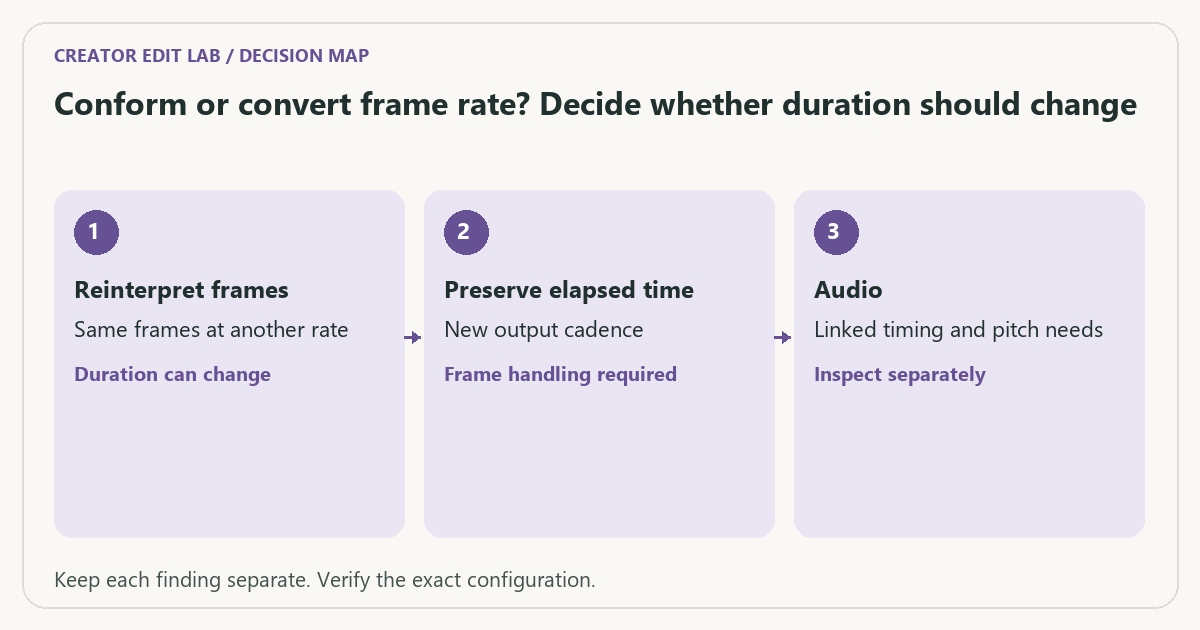
Conforming a clip’s interpretation can change playback duration by presenting its frames at another rate. Converting while preserving time may duplicate, drop or synthesize frames according to the chosen method. Menu terminology varies, so define the desired result before choosing the command. Keep a working copy and inspect motion as well as metadata.
A practical sequence
- Write whether real-time duration or slow/fast motion is intended.
- Record source rate, target rate and any linked audio requirement.
- Use the application’s documented interpretation or conversion route for that intent.
- Verify duration, motion cadence and audio sync in the saved result.
Decision record
| Check | What it means | What to verify |
|---|---|---|
| Reinterpret frames | Same frames at another rate | Duration can change |
| Preserve elapsed time | New output cadence | Frame handling required |
| Audio | Linked timing and pitch needs | Inspect separately |
Worked example
An illustrative 600 frames recorded at 60 fps last ten seconds. Interpreting those frames at 24 fps gives 25 seconds of playback. Converting a ten-second event to a 24 fps real-time output instead requires a different frame-selection or synthesis operation.
Verify the result
Choose an intermediate codec when it serves the workflow, but do not expect a codec switch to define timing intent. Inspect edges and fast motion after any interpolation and preserve the source.
Download the editable CSV worksheet · Delivery workbook
Question and answer
Does transcoding to ProRes automatically fix every timing problem? No. The conversion’s timing settings matter. A codec describes compression and representation, not the whole temporal decision.
Sources and scope
- FFmpeg: filter documentation — Reference for explicit transformations and measurement filters; options depend on build.
- Apple: Final Cut Pro supported media formats — Supported formats in the documented release; support alone is not a speed measurement.
The decision sequence, diagrams, worksheet and worked case are our editorial work. AI assisted research, drafting and implementation. Official references support the named technical distinctions; examples do not establish real product performance.
Continue the task
- ProRes vs H.264: when an intermediate is useful
- Calculate PCM audio storage with channels, sample rate and bit depth
- Browse the complete resource library
Build on what you just learned
Your next useful step.
Check compatibility, frame rate and compression.
OBS Hybrid MP4 or MKV? Choose for recovery and the editor you use
I would choose a recording container that tolerates an interrupted write, then test it in the actual editor.
Read the guide →H.264 vs H.265: editing cost and delivery compatibility
Choose the codec the whole workflow can handle, at an acceptable quality and file size. A smaller recording is not automatically easier to edit,…
Read the guide →