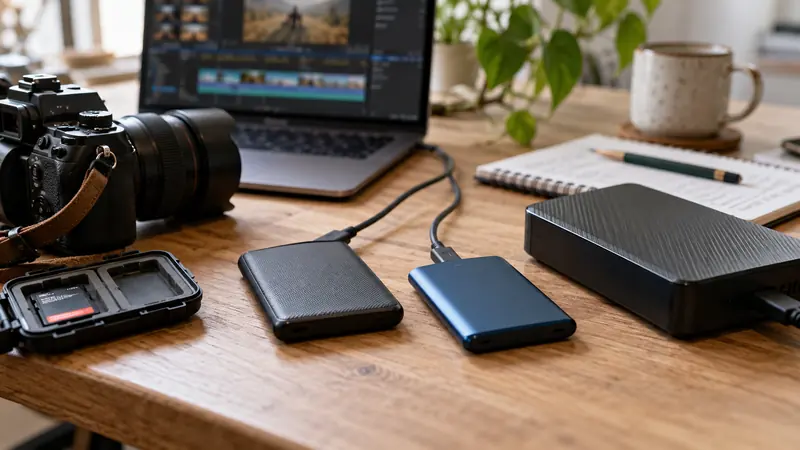
Calculate from the total average recording rate, recording duration and number of streams. Then budget complete copies and reserve capacity separately. The size of the camera originals is only one part of an editing project’s storage requirement.
On this page
Start with a measured sample when possible
Record a representative sample in the actual camera or recorder mode. Note the file’s size and duration, including how many audio streams it contains. A setting labeled maximum bitrate is not necessarily the sample’s measured average. Avoid using a compressed delivery-file estimate for camera originals.
Work a multicamera example
| Stage | Calculation | Decimal capacity |
|---|---|---|
| One camera for one hour | 100 Mbps × 3,600 seconds / 8 | 45 GB |
| Two identical cameras | 45 GB × 2 | 90 GB |
| Three complete copies | 90 GB × 3 | 270 GB |
| Keep 20% of total capacity free | 270 GB / 0.8 | 337.5 GB |
In this example the 100 Mbps rate already represents each stream’s total payload. If your rate excludes audio, add audio first. The three copies include the working copy. The 20% reserve is a chosen planning assumption, not a universal drive requirement.
Reserve is not the same as a markup
Adding 20% to 270 GB gives 324 GB, but only about 16.67% of that capacity remains free. To leave 20% of total capacity free, divide used capacity by 0.8. Our recording storage calculator uses this second interpretation and labels it explicitly.
Add the editing assets separately
- Generated proxies or optimized media.
- Rendered previews and effect caches.
- Project files, audio sessions, graphics and still images.
- Intermediate exports, delivery revisions and reference movies.
- A distinct backup destination, rather than several folders on one physical device.
Avoid false precision
Variable-rate recordings and different scenes can change the average. Add a deliberate allowance when planning a long shoot, then check actual capacity on the formatted device. Use decimal GB and binary GiB consistently. A drive’s advertised capacity and an operating system’s displayed figure may use different units.
Keep backups independent and test that you can reopen the project from them. Continue with storage roles and recovery planning.
Sources and scope
The figures are transparent arithmetic examples, not measurements of a camera or storage device. Sources checked October 6, 2026.