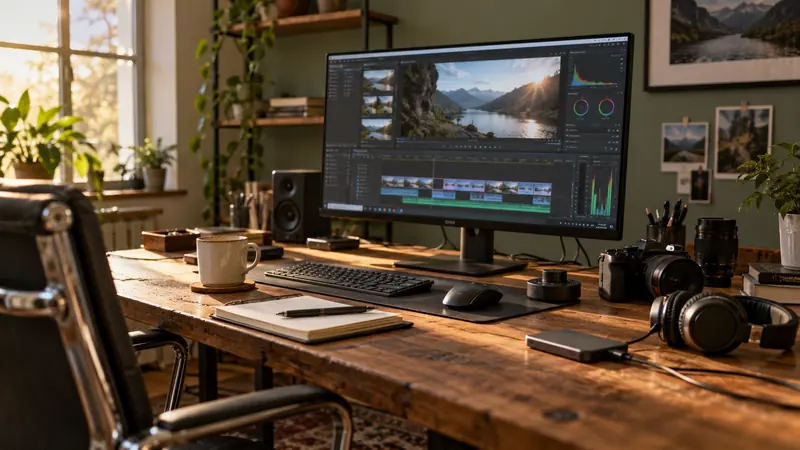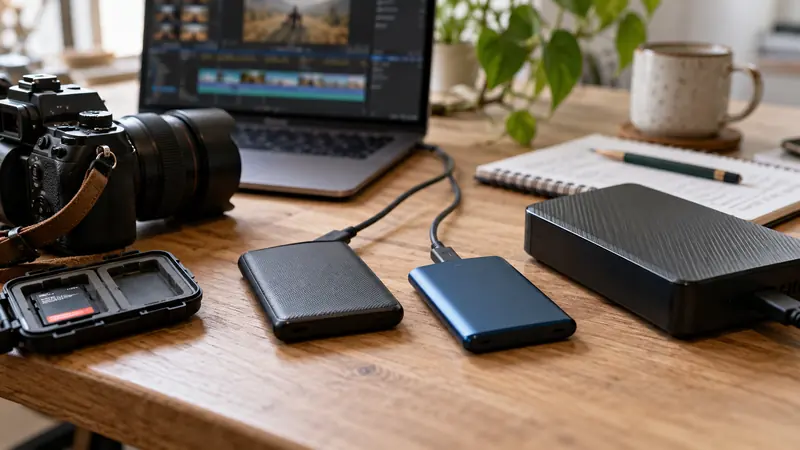
I would test IntelliSearch on a representative media subset and keep a conventional folder and logging system alongside it. Content search can help find a shot, but it does not replace file identity or a complete media inventory. Plan model downloads, analysis time and the project’s data-handling requirements first.
On this page
Our recommendation
I would use AI search as an additional retrieval aid for a well-identified library. Keep conventional records and validate the returned shot before using it in a deliverable.
Separate setup from later searching
Blackmagic’s new-features guide describes downloading an AI model and analysing Media Pool clips before IntelliSearch is used. It offers Faster and Better analysis modes with a processing-time trade-off. Check availability and requirements for the installed build and edition before scheduling a large library analysis.
Use a small selected set containing the kinds of subjects you actually search for. Include visually similar clips and less obvious examples. Do not treat an empty result as proof that the source shot is absent; search can miss material or depend on which clips were analysed.
Keep identity and review independent
Retain meaningful folder organisation, clip identifiers and project notes. When search returns a candidate, open the original and verify the action, take and rights or approval status needed for the edit. A visual match is not the same as a cleared or preferred shot.
For client material, check the approved processing and storage workflow rather than assuming every AI-labelled feature has identical data handling. Record what was analysed and the installed version. Repeat a small search test after a significant workflow change instead of blindly reprocessing the whole archive.
A useful pilot
Select fifty varied clips and write ten searches you would genuinely use, such as a specific prop, setting or action. Record useful hits, missed known shots and confusing matches. Compare the time saved with the preparation work. This tests whether the feature helps this library rather than only demonstrating an impressive easy query.
Before you act
- Budget download and analysis before a deadline.
- Test known shots and difficult queries.
- Verify source identity and approval after a hit.
Use the Recording storage calculator to apply the guide to your own setup.
Keep exploring
- A project folder structure that survives handoff
- Check that a proxy matches its original before editing
Sources and research notes
Research checked on 21 October 2026. Product specifications are manufacturer statements; examples and buying judgements are our analysis. No hands-on product test is implied.
Build on what you just learned
Your next useful step.
Organize, relink and restore with confidence.

Upgrade to Resolve 21 with a project-copy acceptance test
I would upgrade a working editing system only after preserving a recoverable project library and testing a representative project copy.
Read the guide →
Premiere Object Mask: check the version before handing off the project
I would include the exact Premiere build and mask mode in a project handoff, plus a short rendered reference.
Read the guide →