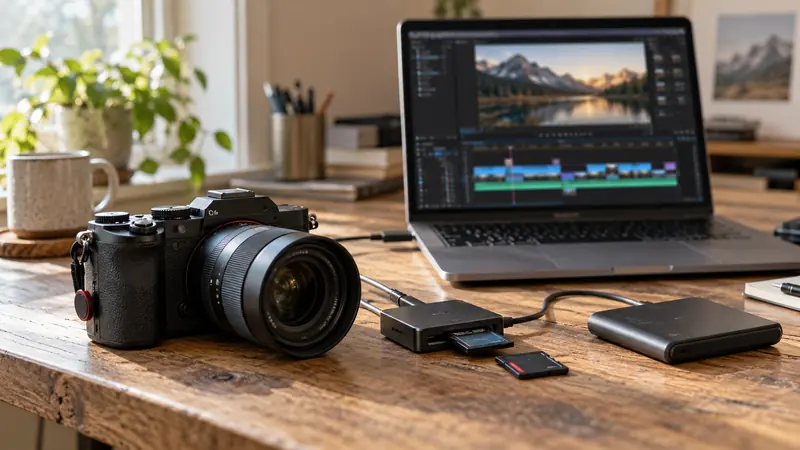
Answer: Verify duration, frame rate, audio layout and visible content for a representative proxy-original pair. A low-resolution file with a matching name is not enough.
On this page
Creator Edit Lab editorial project · Updated October 21, 2026 · Original decision framework and illustrative example. No physical product measurement or hands-on benchmark is claimed.
Why the distinction matters
Proxies are alternate media linked to the original editorial identity. A wrong attachment can show the right duration while representing a different take, or change audio handling in ways that are easy to miss. Keep the originals available and record how proxies were created. A proxy workflow can improve responsiveness without establishing final-output quality.
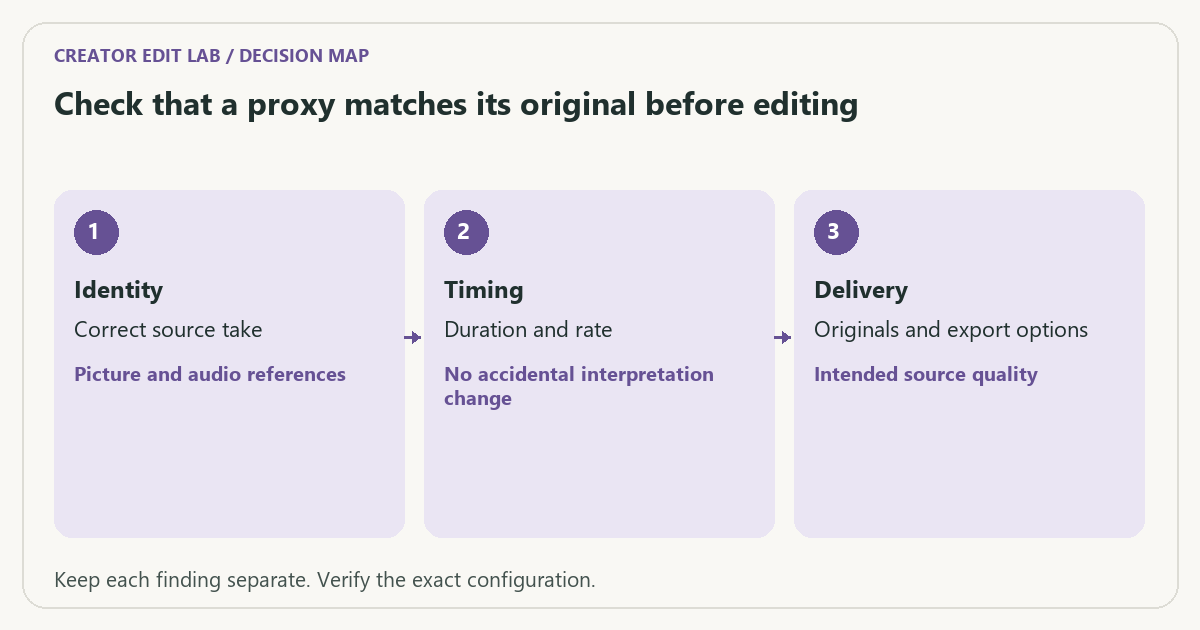
A practical sequence
- Identify one source with recognizable picture and audio near the beginning and end.
- Inspect the proxy’s identity, duration, frame rate and audio-channel layout.
- Toggle through the editor’s supported proxy workflow and check those reference moments.
- Before delivery, verify original availability and the actual export source settings.
Decision record
| Check | What it means | What to verify |
|---|---|---|
| Identity | Correct source take | Picture and audio references |
| Timing | Duration and rate | No accidental interpretation change |
| Delivery | Originals and export options | Intended source quality |
Worked example
A hypothetical proxy pair shares a filename but the proxy begins two seconds later than the original. Editing against it can make apparent sync and framing misleading. Recreating or correctly attaching the proxy is a different action from changing the timeline’s frame rate.
Verify the result
Adobe documents that Premiere uses full-resolution media by default for export, with an explicit Use Proxies option for proxy-based output. Inspect that option and the saved delivery rather than relying on the preview toggle alone.
Download the editable CSV worksheet · Delivery workbook
Question and answer
Does enabling proxies in the monitor force a proxy export? Check the application’s export controls. In Premiere, monitor proxy use and the explicit export proxy option are separate decisions.
Sources and scope
- Adobe Premiere: export proxies — Export source selection in Premiere; our checklists are proposed verification procedures.
The decision sequence, diagrams, worksheet and worked case are our editorial work. AI assisted research, drafting and implementation. Official references support the named technical distinctions; examples do not establish real product performance.
Continue the task
- Premiere Pro proxies: create, attach and verify originals at export
- Identify cache before deleting files to free editing space
- Browse the complete resource library
Build on what you just learned
Your next useful step.
Verify proxies before changing the workflow.
Premiere Pro proxies: create, attach and verify originals at export
Proxies are working copies for editing. Keep the originals, confirm that each proxy attaches to the correct source clip, and verify the final export…
Read the guide →
Upgrade to Resolve 21 with a project-copy acceptance test
I would upgrade a working editing system only after preserving a recoverable project library and testing a representative project copy.
Read the guide →