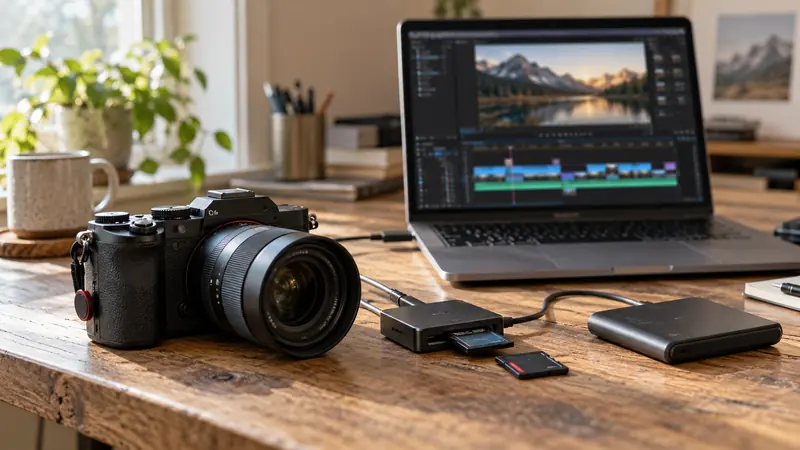
Answer: Classify files by whether they can be regenerated from retained sources. Use the application’s documented cache controls and preserve originals, project files and irreplaceable generated work.
On this page
Creator Edit Lab editorial project · Updated October 21, 2026 · Original decision framework and illustrative example. No physical product measurement or hands-on benchmark is claimed.
Why the distinction matters
A folder called cache is not proof that everything inside is disposable. Applications distinguish caches, proxies, optimized media, renders and project databases differently. Read the manual matching the release and verify paths in the application. Start by saving the project and checking that its source files are intact elsewhere. Avoid broad operating-system deletion patterns based on familiar-looking extensions.
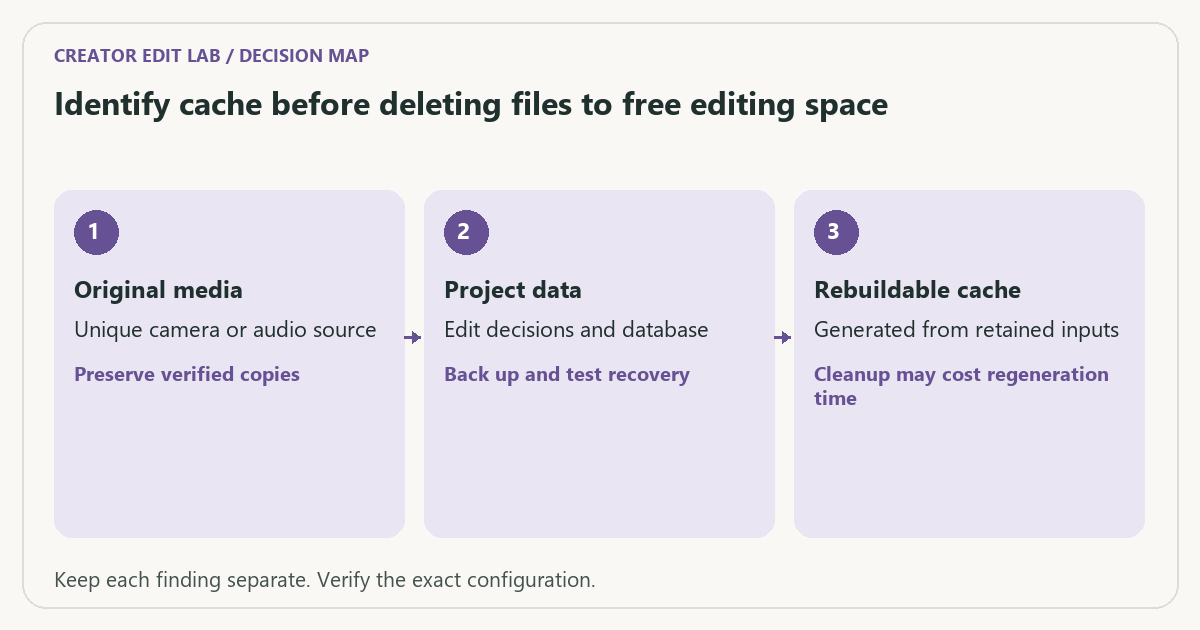
A practical sequence
- Save the project and identify original media, project data, generated work and rebuildable cache locations.
- Check the application’s current cache paths and documented cleanup controls.
- Remove only a clearly identified rebuildable category using that supported route.
- Reopen the project and allow required regeneration before evaluating playback.
Decision record
| Check | What it means | What to verify |
|---|---|---|
| Original media | Unique camera or audio source | Preserve verified copies |
| Project data | Edit decisions and database | Back up and test recovery |
| Rebuildable cache | Generated from retained inputs | Cleanup may cost regeneration time |
Worked example
A fictional disk contains 80 GB of render cache and 120 GB of originals. Deleting the known cache may recover space but require rerendering; deleting the originals can make the project unrecoverable. File size alone cannot determine which category is appropriate to remove.
Verify the result
Keep cleanup separate from troubleshooting a specific export. Change one category at a time and record what was rebuilt. Confirm a final delivery before archiving the project and deleting any planned working artifacts.
Download the editable CSV worksheet · Delivery workbook
Question and answer
Are proxies always safe to delete? Only if their originals and creation workflow remain available and no delivery depends solely on them. Verify the project’s actual state first.
Sources and scope
- Blackmagic Design: support and manuals — Locate the manual matching your Resolve release and edition.
The decision sequence, diagrams, worksheet and worked case are our editorial work. AI assisted research, drafting and implementation. Official references support the named technical distinctions; examples do not establish real product performance.
Continue the task
- Media cache: what it does and when to rebuild it
- Test an editing backup by restoring a small project copy
- Browse the complete resource library
Build on what you just learned
Your next useful step.
Test a representative section before spending.
Resolve Free or Studio? Buy for a demonstrated workflow need
I would start with Resolve Free when its tested workflow meets the project, and buy Studio for a specific supported feature or processing requirement.
Read the guide →
USB-C is a connector: check the data speed of the whole SSD path
I would check the host port, cable, hub and SSD specifications before paying for a faster external drive.
Read the guide →