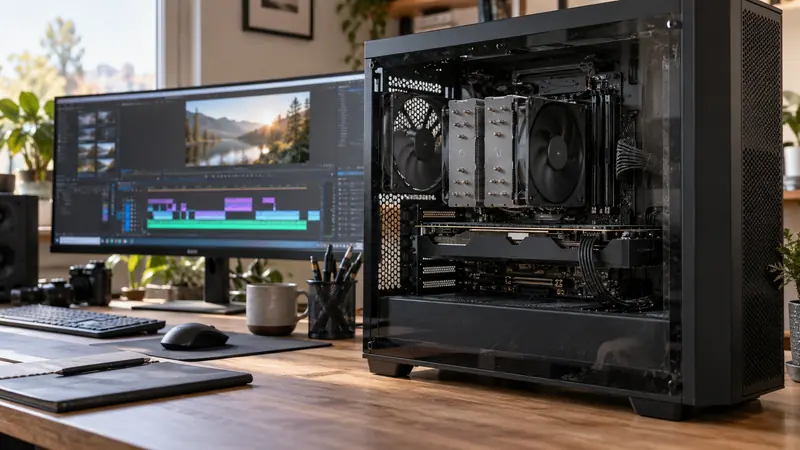
I would start with Resolve Free when its tested workflow meets the project, and buy Studio for a specific supported feature or processing requirement. Do not purchase solely because a timeline is slow before identifying the bottleneck. A licence upgrade is not a universal remedy for unsuitable media, storage or hardware.
On this page
Our recommendation
I favour the free edition until a documented requirement or controlled comparison establishes the value of Studio. Buy the tool that closes the measured gap, and keep the test project as the evidence.
Make a feature requirement list
Blackmagic describes Studio as adding features including its AI Neural Engine and additional effects and processing tools. Check current edition and platform support for the exact feature and codec you need. A broad feature category is not evidence that every camera format or acceleration route behaves identically on every operating system.
Use actual footage from the intended camera, including bit depth, chroma, resolution and frame rate. If the problem is decode performance, test a supported intermediate or proxy workflow before attributing every delay to the edition. Keep original media available for the final export test.
Compare complete job outcomes
Build a short representative timeline with the required grade, titles, audio and delivery settings. Record playback, render time and output compatibility. Separate a missing feature from a slow available feature; they lead to different decisions.
If Studio is being considered for a particular effect, evaluate whether that effect is essential and whether an acceptable alternative already meets the brief. Include learning time and collaboration requirements. A project handed to another editor may need the same edition-specific tools or an agreed rendered fallback.
A purchase justified by the job
A project explicitly requires a Studio-only process confirmed in the current feature list, and a tested fallback cannot meet the brief. That is a clear purchase reason. A different project merely stutters on highly compressed footage; first test proxies, storage and the decode path before assuming the paid edition alone will solve it.
Before you act
- Verify exact edition, platform and codec support.
- Separate missing capability from a performance bottleneck.
- Test an actual export and collaboration path.
Use the Export time estimator to apply the guide to your own setup.
Keep exploring
- Decode, effects and encode: three different GPU questions
- Estimate a full export from a representative timed sample
Sources and research notes
Research checked on 21 October 2026. Product specifications are manufacturer statements; examples and buying judgements are our analysis. No hands-on product test is implied.
Build on what you just learned
Your next useful step.
Test a representative section before spending.
Video editing on a low-end PC: diagnose playback bottlenecks
Start with a plain timeline containing your real footage. If it already stutters before effects are added, investigate decoding and storage first. If playback…
Read the guide →
USB-C is a connector: check the data speed of the whole SSD path
I would check the host port, cable, hub and SSD specifications before paying for a faster external drive.
Read the guide →