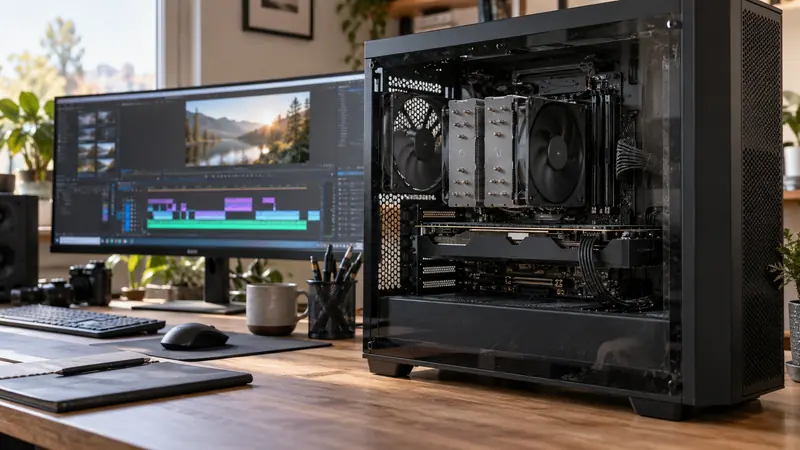
I would shortlist the T7 Shield for a portable editing or transfer drive when a tested 10 Gbit/s connection meets the workload. Its documented protection and performance make it a practical candidate, but I would not treat it as a backup by itself or a guaranteed camera-recording drive without a device-specific test.
On this page
Our recommendation
For an ordinary supported 10 Gbit/s portable workflow, I consider it a credible shortlist choice. I would pay for a faster class only when the host and measured job can benefit, and keep a separate backup regardless of the model.
Use the specification in context
Samsung lists a USB 3.2 Gen 2 10 Gbit/s interface, up-to sequential read/write figures of 1,050/1,000 MB/s and an IP65 rating under its stated conditions. These are manufacturer claims, not our measurements. Capacity, host, cable, temperature and workload affect the result. Check the current exact SKU and warranty conditions.
An IP rating is not permission to expose an active drive deliberately to water or assume every kind of damage is covered. Keep ports and cables protected and follow the maker’s operating guidance. Physical resilience does not prevent deletion, corruption or losing the entire drive.
Approve the actual job
For a laptop editing drive, test the intended codec streams through the real port and cable. For direct camera or phone recording, check the device’s approved-media requirements, filesystem, power and sustained-write needs. A successful computer file copy does not establish camera compatibility.
Keep independent copies of originals and test a representative session length. Watch for disconnections or performance changes as the system warms. Compare with other current supported options using local delivered prices, rather than assuming an older headline specification makes it the best choice at every price.
A workload decision
Two streams at 100 Mbit/s each require about 25 MB/s of compressed payload before overhead and other work. That does not need the full headline sequential rate, but effects, cache and additional streams can change the load. Test the timeline and reserve space; do not buy solely by comparing the largest box number.
Before you act
- Match the exact SKU, host and data cable.
- Test sustained use for the intended device.
- Keep independent copies and working-space reserve.
Use the Recording storage calculator to apply the guide to your own setup.
Keep exploring
- USB-C is a connector: check the data speed of the whole SSD path
- Budget editing space for originals, cache, proxies and outputs
Sources and research notes
Research checked on 21 October 2026. Product specifications are manufacturer statements; examples and buying judgements are our analysis. No hands-on product test is implied.
Build on what you just learned
Your next useful step.
Test a representative section before spending.
Resolve Free or Studio? Buy for a demonstrated workflow need
I would start with Resolve Free when its tested workflow meets the project, and buy Studio for a specific supported feature or processing requirement.
Read the guide →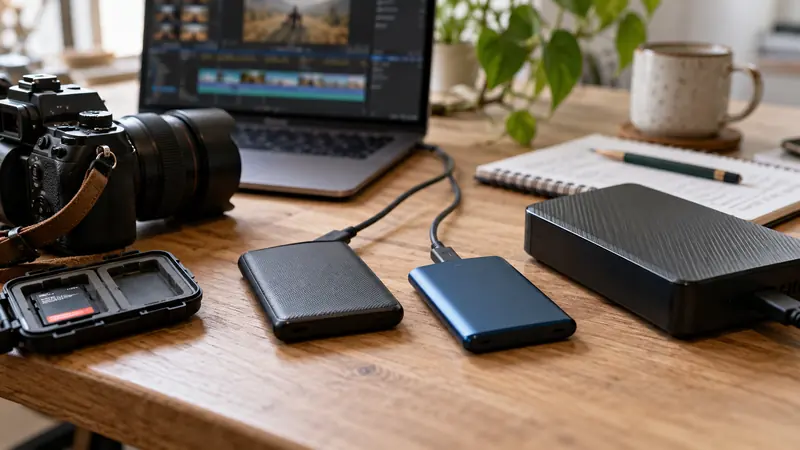
USB-C is a connector: check the data speed of the whole SSD path
I would check the host port, cable, hub and SSD specifications before paying for a faster external drive.
Read the guide →