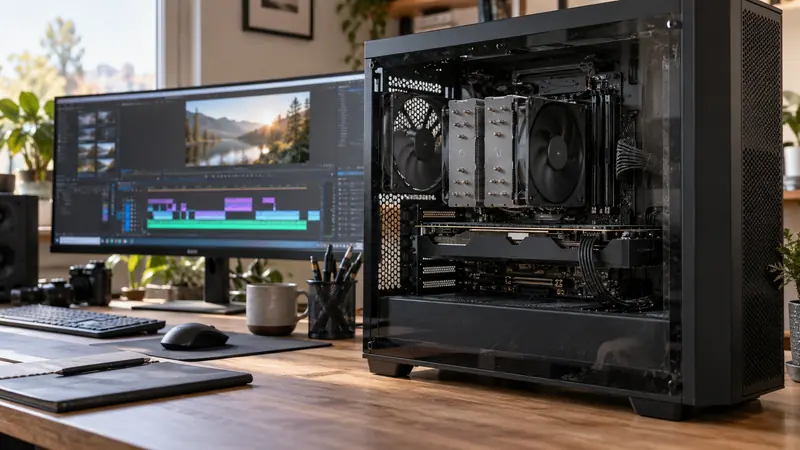
I would benchmark an editing laptop in the power state in which it will actually be used, then repeat under a controlled alternative if needed. Battery mode, charger capability, thermal conditions and background tasks can change the result. A single unexplained render time is a poor basis for an upgrade decision.
On this page
Our recommendation
I recommend a small reproducible benchmark before buying upgrades or promising an export time. Choose the power and thermal setup appropriate to the job and keep that context beside the result.
Record the test conditions
Use the same representative timeline, source location, output settings and cache state. Note whether the laptop is on battery or its supported charger, the battery level, operating-system power mode and any manufacturer performance profile. Do not assume every USB-C charger supplies the capability the laptop expects under load.
Keep ventilation appropriate and the setup stable. Avoid placing the laptop on a soft surface during one test and a stand during another. Background sync, downloads or another GPU workload can also alter the result, so record or control them.
Compare performance and quality
Time a short export and inspect the output rather than measuring speed alone. Repeat only when a new condition needs comparison or the first result was clearly interrupted. For a long deadline, consider whether performance remains stable as the system warms, using a representative sustained test.
Separate playback, effects and encoding questions. A battery-related export difference does not establish that storage or codec decoding was the bottleneck. Use the same output quality and settings when comparing hardware; a faster export with different quality is a different result.
A fair two-state comparison
Render the same two-minute section on the supported mains setup and in the intended battery mode, with the same source and output paths. Record both times and check the resulting files. If the mobile result is slower, plan the deadline using that state rather than quoting the plugged-in number as a universal laptop speed.
Before you act
- Record charger, power mode and thermal setup.
- Keep timeline, cache state and output settings comparable.
- Inspect quality and sustained behaviour as well as time.
Use the Export time estimator to apply the guide to your own setup.
Keep exploring
- Estimate a full export from a representative timed sample
- Decode, effects and encode: three different GPU questions
Method note: this is an original planning procedure with illustrative inputs. It does not report a physical product test. Check the exact product, edition and official instructions before acting.
Build on what you just learned
Your next useful step.
Test a representative section before spending.
Resolve Free or Studio? Buy for a demonstrated workflow need
I would start with Resolve Free when its tested workflow meets the project, and buy Studio for a specific supported feature or processing requirement.
Read the guide →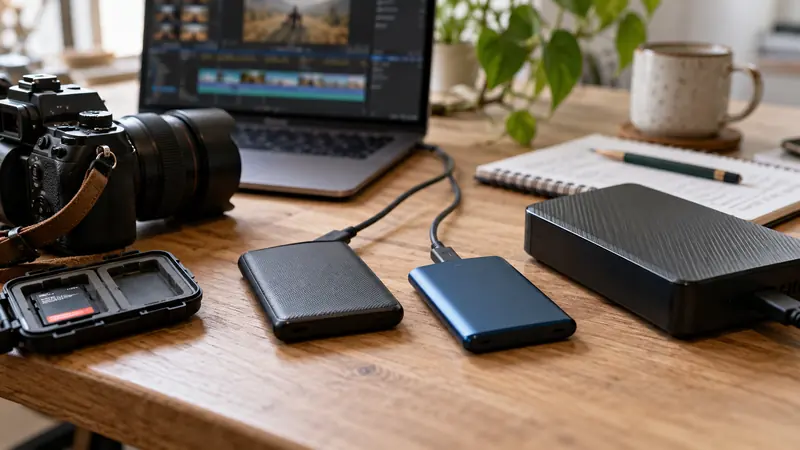
USB-C is a connector: check the data speed of the whole SSD path
I would check the host port, cable, hub and SSD specifications before paying for a faster external drive.
Read the guide →