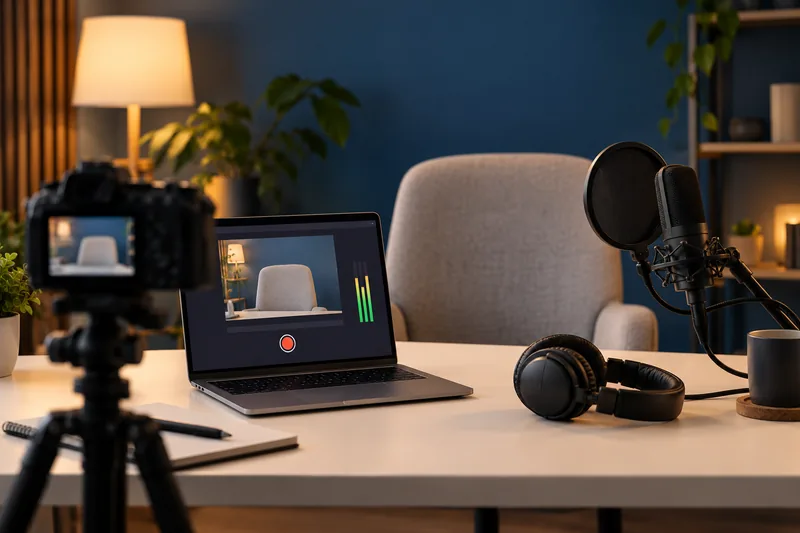
Design the desktop layout for the final viewing size before recording a long tutorial. I would enlarge the relevant interface, remove unused space and test a short export on a phone or ordinary player. Capturing a huge desktop does not guarantee that small menu text stays readable after delivery.
On this page
Our recommendation
I favour a composed, readable capture over recording the largest possible desktop. Test the smallest meaningful text at the final size before committing to the full lesson.
Budget the scale change
Compare capture dimensions with output dimensions. Reducing a 3840-pixel-wide desktop to 1920 pixels halves the linear size of interface details. A twelve-pixel label becomes roughly six output pixels before any additional platform scaling or compression. More bitrate cannot restore text that was made too small.
Choose an application window or a deliberately arranged region when that preserves the task. Keep the cursor, menus and dialogs within the planned area. If a full desktop is essential, use purposeful close-ups during editing rather than leaving every detail tiny throughout.
Proof a difficult interaction
Record a menu opening, a small setting change and a cursor movement. Export with the intended dimensions and inspect at actual viewing size. Check that highlighting or zooming does not hide the very value being explained.
Keep a clean recording profile and note the interface scale. Recheck after changing monitor resolution, OS scaling or application layout. A tutorial shot on a different display can look inconsistent even when the nominal recording resolution stays the same.
A useful capture choice
A settings demonstration uses only the centre half of a wide monitor. Arrange the application to fill a 1920-pixel-wide capture region and enlarge the relevant controls. Compare a ten-second export with a full-desktop downscale. Choose the version where the audience can read the changed value without pausing and magnifying.
Before you act
- Calculate the linear scale reduction.
- Keep menus and cursor actions inside the planned area.
- Inspect a real export at normal viewing size.
Use the Resolution and crop calculator to apply the guide to your own setup.
Keep exploring
- Vertical video delivery for TikTok and Instagram
- Video bitrate and file size: the calculation behind the estimate
Method note: this is an original planning procedure with illustrative inputs. It does not report a physical product test. Check the exact product, edition and official instructions before acting.
Build on what you just learned
Your next useful step.
Budget the size, inspect the export, keep a record.
Generative Extend: a few extra frames still need an editorial review
I would use generated extensions for a deliberate transition or timing need, then inspect the new frames and identify them in the project record.
Read the guide →
Budget video bitrate for a hard file-size limit
Allocate the total size budget across duration, audio and a stated reserve before choosing video bitrate. Then measure the actual exported bytes, especially when…
Read the guide →
