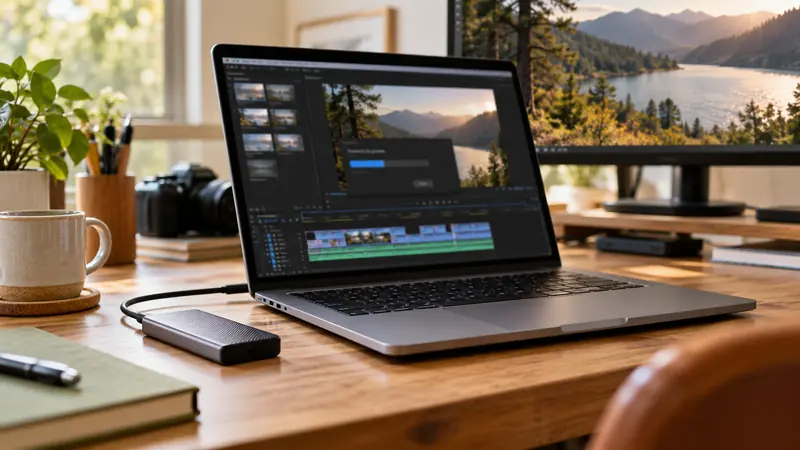
I would distinguish upload completion from higher-resolution processing before changing a good source export. YouTube says lower qualities can appear first while higher qualities take longer. Keep the original and inspect processing status and actual playback options before deleting, replacing or publicly announcing the upload.
On this page
Our recommendation
I favour a source-file check plus a separate platform acceptance check. Schedule the release after the required qualities and caption/audio review are complete, with the original safely retained.
Check the local file first
Verify resolution, duration, audio and the intended colour metadata in the exported source. Play a demanding section locally. If the local file is already low resolution or incorrect, processing time will not repair that source problem.
YouTube’s troubleshooting guidance says higher qualities such as 1080p or 4K may be unavailable while processing continues and notes device or browser limitations. Do not infer a failed export solely from one player’s current quality menu.
Approve the published experience
For a planned release, upload through the appropriate private or unlisted review workflow when the project permits it, then check the intended qualities before making it public. Include captions, sound, beginning and ending in the review. Do not treat the thumbnail appearing as a complete acceptance test.
Leave processing and review time in the schedule. A second upload can restart work without solving the cause. If the expected quality remains unavailable after the platform’s current guidance suggests investigation, compare the source details and official troubleshooting steps rather than repeatedly changing unrelated encoder settings.
A release gate
A correct 3840 × 2160 local file uploads successfully, but the player initially offers only a low-resolution version. Check the platform’s processing state and review again when the higher-quality version is available. If one browser still lacks the option, test a relevant alternative before concluding that the source file must be re-encoded.
Before you act
- Verify the local export before blaming processing.
- Check platform status and relevant playback environments.
- Reserve time for higher-quality processing and review.
Use the Delivery workbook to apply the guide to your own setup.
Keep exploring
Sources and research notes
Research checked on 21 October 2026. Product specifications are manufacturer statements; examples and buying judgements are our analysis. No hands-on product test is implied.
Build on what you just learned
Your next useful step.
Budget the size, inspect the export, keep a record.
Generative Extend: a few extra frames still need an editorial review
I would use generated extensions for a deliberate transition or timing need, then inspect the new frames and identify them in the project record.
Read the guide →
Budget video bitrate for a hard file-size limit
Allocate the total size budget across duration, audio and a stated reserve before choosing video bitrate. Then measure the actual exported bytes, especially when…
Read the guide →
