
Answer: Choose a format and workflow that support alpha, then reimport the saved file over a visible contrasting background. A black player window cannot establish whether transparency survived.
On this page
Creator Edit Lab editorial project · Updated October 21, 2026 · Original decision framework and illustrative example. No physical product measurement or hands-on benchmark is claimed.
Why the distinction matters
Transparency depends on the output codec, channel configuration and application support, not merely a transparent-looking preview. Straight and premultiplied interpretation can affect edges. Keep a small proof with translucent and sharp-edged content so the recipient can check both presence of alpha and edge handling. A common distribution format may not meet the same requirements as a compositing handoff.
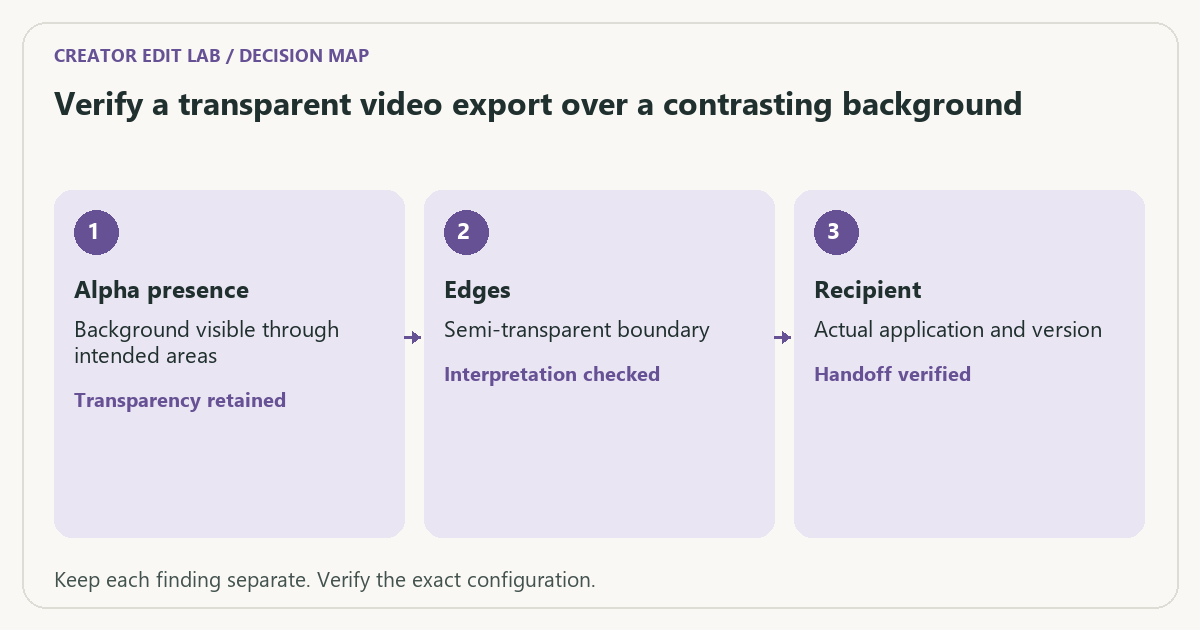
A practical sequence
- Confirm the recipient’s supported format, codec and alpha interpretation.
- Create a short proof with opaque, transparent and semi-transparent areas.
- Export through the application’s documented alpha-capable route.
- Reimport the saved file and composite it over at least one contrasting background.
Decision record
| Check | What it means | What to verify |
|---|---|---|
| Alpha presence | Background visible through intended areas | Transparency retained |
| Edges | Semi-transparent boundary | Interpretation checked |
| Recipient | Actual application and version | Handoff verified |
Worked example
A hypothetical title animation appears on black in a basic player. It could contain transparent pixels displayed against black, or opaque black encoded into the picture. Compositing the saved file over a colored background distinguishes those states far better than the player view.
Verify the result
Send the proof before rendering a long sequence. Keep fonts, source graphics and the editable project when the handoff requires them. Record the chosen interpretation in the delivery manifest.
Download the editable CSV worksheet · Delivery workbook
Question and answer
Can an MP4 filename guarantee alpha support? No. The actual codec and recipient workflow determine the capability. Verify the stream and composite the saved result.
Sources and scope
- Adobe Premiere: export settings reference — Export, caption and source options; verify your installed release.
- Apple: Final Cut Pro supported media formats — Supported formats in the documented release; support alone is not a speed measurement.
The decision sequence, diagrams, worksheet and worked case are our editorial work. AI assisted research, drafting and implementation. Official references support the named technical distinctions; examples do not establish real product performance.
Continue the task
- Premiere vs Final Cut: a platform and workflow decision
- Plan an HDR-to-SDR delivery as an explicit color conversion
- Browse the complete resource library
Build on what you just learned
Your next useful step.
Separate color interpretation from delivery.

Resolve 21 Photo page: test a still-and-video workflow before moving the archive
I would try Resolve 21’s Photo page on a small mixed-media project before replacing an established photo workflow.
Read the guide →Washed-out exports: a color-management checklist
Compare the same exported file in a controlled viewing path before changing the grade. A different-looking player does not by itself prove that the…
Read the guide →