
Answer: Identify the source and intended output color spaces, use a deliberate supported transform and inspect the saved file in the destination path. Changing a tag alone is not the same as transforming the image.
On this page
Creator Edit Lab editorial project · Updated October 21, 2026 · Original decision framework and illustrative example. No physical product measurement or hands-on benchmark is claimed.
Why the distinction matters
An HDR recording can be interpreted differently across applications, monitors and players. A washed-out appearance is an observation, not a diagnosis. Begin with source metadata, timeline working space and export settings. Keep the original recording and compare a short representative region containing highlights, skin tones and shadows. Avoid compensating blindly with a contrast slider before understanding the transform.
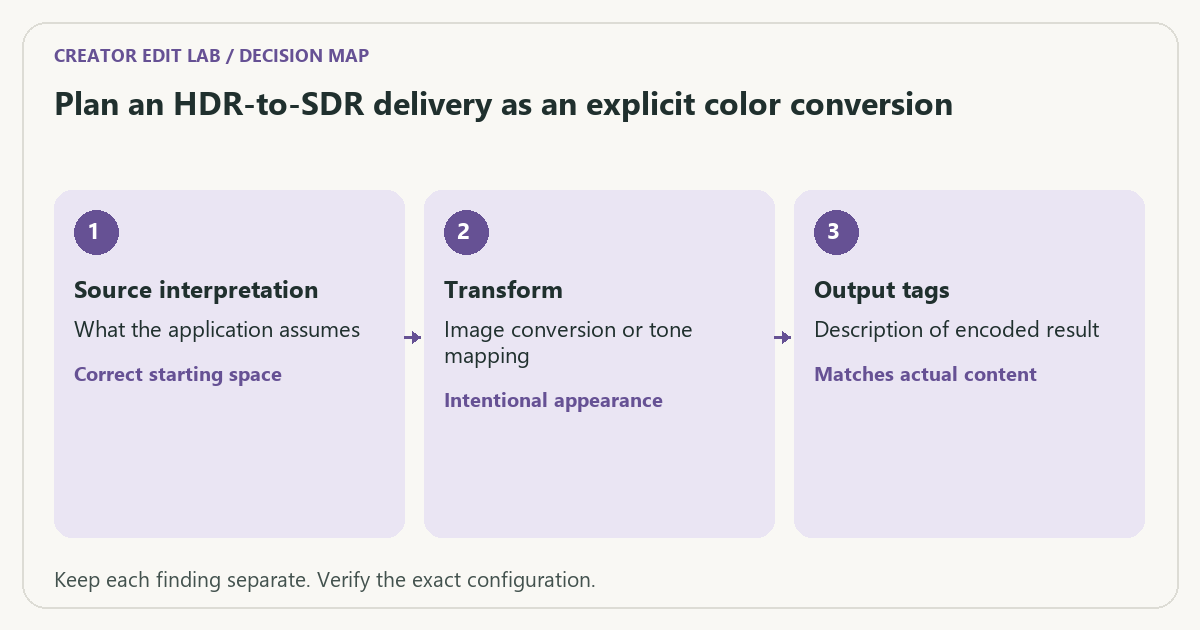
A practical sequence
- Record the source’s actual color metadata and the intended delivery specification.
- Check the editor’s source interpretation and timeline color-management route.
- Use the documented HDR-to-SDR or other required transform deliberately.
- Inspect the saved file and destination playback, comparing both metadata and visible detail.
Decision record
| Check | What it means | What to verify |
|---|---|---|
| Source interpretation | What the application assumes | Correct starting space |
| Transform | Image conversion or tone mapping | Intentional appearance |
| Output tags | Description of encoded result | Matches actual content |
Worked example
A fictional HDR clip is tagged as SDR without an appropriate image conversion. The resulting file can carry an SDR label while displaying incorrectly. Conversely, an appropriate transform with incorrect tags can still be mishandled by playback. Verify both stages.
Verify the result
Keep the reference proof and documented settings. Device display behavior and platform processing can change the result, so separate local master verification from the uploaded version. No single player appearance establishes all other paths.
Download the editable CSV worksheet · Delivery workbook
Question and answer
Can I fix every washed-out export by adding contrast? First resolve interpretation, transform and output metadata. A compensating grade can conceal one mismatch while damaging another playback path.
Sources and scope
- Adobe Premiere: export settings reference — Export, caption and source options; verify your installed release.
- YouTube: recommended upload encoding settings — YouTube-specific upload recommendations, not a universal delivery specification.
The decision sequence, diagrams, worksheet and worked case are our editorial work. AI assisted research, drafting and implementation. Official references support the named technical distinctions; examples do not establish real product performance.
Continue the task
- Washed-out exports: a color-management checklist
- Compare hardware and software encoders with the same delivery constraint
- Browse the complete resource library
Build on what you just learned
Your next useful step.
Separate color interpretation from delivery.

Resolve 21 Photo page: test a still-and-video workflow before moving the archive
I would try Resolve 21’s Photo page on a small mixed-media project before replacing an established photo workflow.
Read the guide →Washed-out exports: a color-management checklist
Compare the same exported file in a controlled viewing path before changing the grade. A different-looking player does not by itself prove that the…
Read the guide →