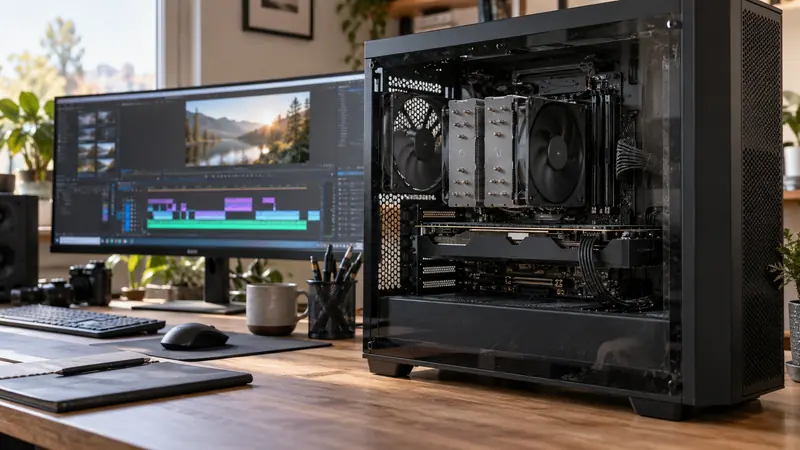
Answer: Keep the source, range, codec profile, output dimensions and delivery constraint comparable. Measure time and inspect the actual result rather than ranking encoders by one faster run.
On this page
Creator Edit Lab editorial project · Updated October 21, 2026 · Original decision framework and illustrative example. No physical product measurement or hands-on benchmark is claimed.
Why the distinction matters
Different encoders may expose different controls, so identical numeric settings are not automatically identical quality targets. Define whether the comparison holds file size, bitrate or a perceptual criterion constant. Record software, driver, power state and cache conditions. A short easy sequence can miss a difficult motion or effects section that dominates the real project.

A practical sequence
- Select a representative sequence containing the work that matters to the project.
- Record the complete settings and what is being held constant.
- Run comparable exports, retaining time, output bytes and any failures.
- Inspect difficult picture and audio sections before choosing a workflow.
Decision record
| Check | What it means | What to verify |
|---|---|---|
| Task | Same source and range | Comparable work |
| Constraint | Same delivery target | State rate-control differences |
| Result | Time, size and visible quality | Assess together |
Worked example
Invented runs produce a hardware export in 40 seconds at 90 MB and a software export in 70 seconds at 70 MB. The faster time does not by itself compare quality at equal size. Repeating with an aligned delivery constraint answers a clearer question.
Verify the result
Keep every run and state cache or thermal differences. Avoid publishing one system’s result as a universal hardware ranking. A practical choice can favor reliable deadline completion while preserving acceptable output.
Download the editable CSV worksheet · Delivery workbook
Question and answer
Does a faster encoder make timeline playback faster? Encoding is one stage. Decoding, effects and storage can remain the limiting parts of editing.
Sources and scope
- Adobe: hardware-accelerated decoding and encoding — Named software and hardware conditions; no performance ranking is inferred.
- Adobe Premiere: export settings reference — Export, caption and source options; verify your installed release.
The decision sequence, diagrams, worksheet and worked case are our editorial work. AI assisted research, drafting and implementation. Official references support the named technical distinctions; examples do not establish real product performance.
Continue the task
- Video editing on a low-end PC: diagnose playback bottlenecks
- Estimate a full export from a representative timed sample
- Browse the complete resource library
Build on what you just learned
Your next useful step.
Test a representative section before spending.
Resolve Free or Studio? Buy for a demonstrated workflow need
I would start with Resolve Free when its tested workflow meets the project, and buy Studio for a specific supported feature or processing requirement.
Read the guide →
USB-C is a connector: check the data speed of the whole SSD path
I would check the host port, cable, hub and SSD specifications before paying for a faster external drive.
Read the guide →