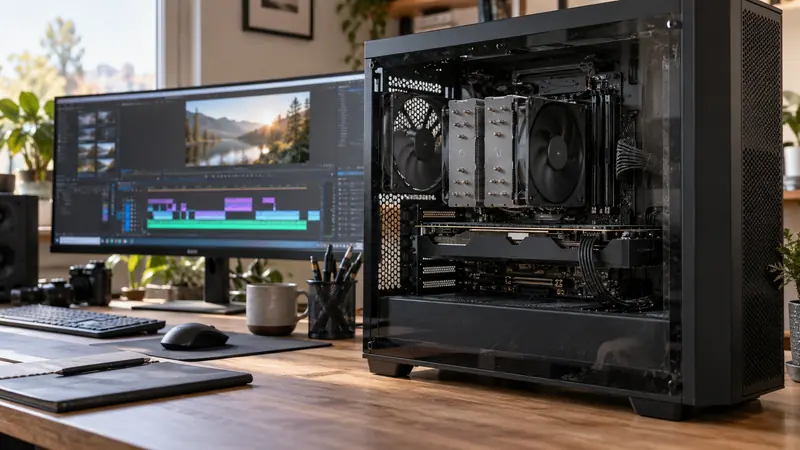
Compare hardware and software encoding on a representative sample with the same delivery requirements. A faster export is useful only if its picture, audio and file format still meet the job. Hardware encoding support also does not establish hardware decoding support for the source.
On this page
Keep the test conditions visible
| Variable | Record or hold constant |
|---|---|
| Input | Same media and sequence range |
| Timeline | Resolution, frame rate, effects and color handling |
| Output | Codec, profile, dimensions, frame rate and audio |
| Rate control | Target/maximum rate or quality setting, with any differences noted |
| Environment | Editor version, OS, hardware and driver |
| Result | Export time, actual size and observed artifacts separately |
If the two paths expose different controls, document that instead of claiming a perfectly matched encode. Comparing one path’s quality-based mode with another path’s fixed bitrate can answer a practical question, but it is not a pure test of hardware versus software.
Choose a difficult but relevant sample
- Include movement, fine texture, gradients, text and your usual effects.
- Export once with each path using the recorded settings.
- Measure elapsed time with the same start and finish definition.
- Reopen both outputs, inspect them under the same viewing conditions and check audio sync.
- Compare actual sizes. Repeat a suspicious result before generalizing.
Separate the rest of the pipeline
Export time includes more than encoding. The application may have to read and decode source clips, render effects, rescale, mix audio and write the output. If an expensive effect dominates, changing the encoder may have little influence on total time.
Make a delivery decision, not a universal ranking
Use the path that meets the required quality and timing on your system. Record why you chose it. Do not assume that a result from one codec, GPU or application version transfers to another. Recheck the choice after an important driver or application change.
Adobe’s hardware-acceleration documentation describes dependencies for supported encoding and decoding modes; it is not a benchmark for your footage. See three different GPU questions and the sample-based export estimator.
Sources and scope
This guide proposes a repeatable method, not a measured performance result. Sources checked October 6, 2026.
Why the faster trial may be answering a different question
| Constructed trial | Elapsed time | File size | What is established |
|---|---|---|---|
| Hardware path | 40 seconds | 90 MB | Faster for this recorded configuration |
| Software path | 70 seconds | 70 MB | Smaller for this recorded configuration |
The hardware trial is 30 seconds faster but produces 20 MB more data. Without inspection at a comparable delivery constraint, neither result proves better image quality per byte. Choose whether the task holds a file-size cap, a bitrate target or an inspected quality criterion constant. Identical numeric quality labels across encoders need not mean equivalent output.
Record application and driver versions, power state, source, sequence range, effect chain, codec/profile, rate-control differences, audio settings, elapsed time and actual bytes. Inspect motion, fine text, gradients and sync in the saved files. Keep every run and state cache or thermal differences. Download the comparison record. The former second encoder-comparison guide is consolidated here. Revised November 19, 2026.
Build on what you just learned
Your next useful step.
Test a representative section before spending.
Resolve Free or Studio? Buy for a demonstrated workflow need
I would start with Resolve Free when its tested workflow meets the project, and buy Studio for a specific supported feature or processing requirement.
Read the guide →
USB-C is a connector: check the data speed of the whole SSD path
I would check the host port, cable, hub and SSD specifications before paying for a faster external drive.
Read the guide →