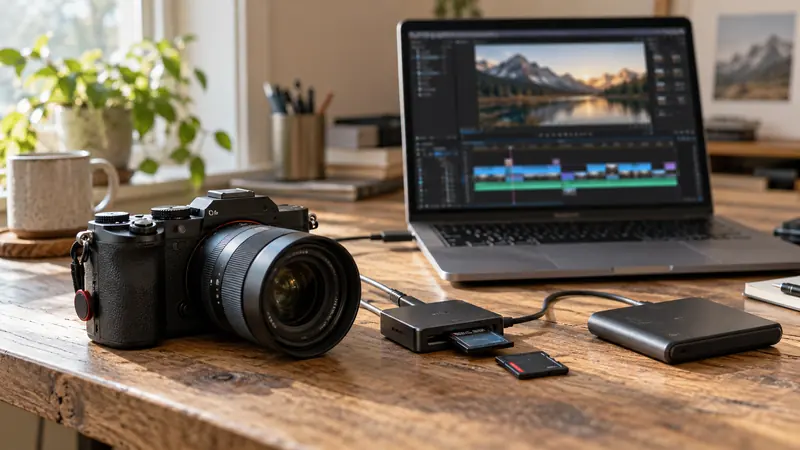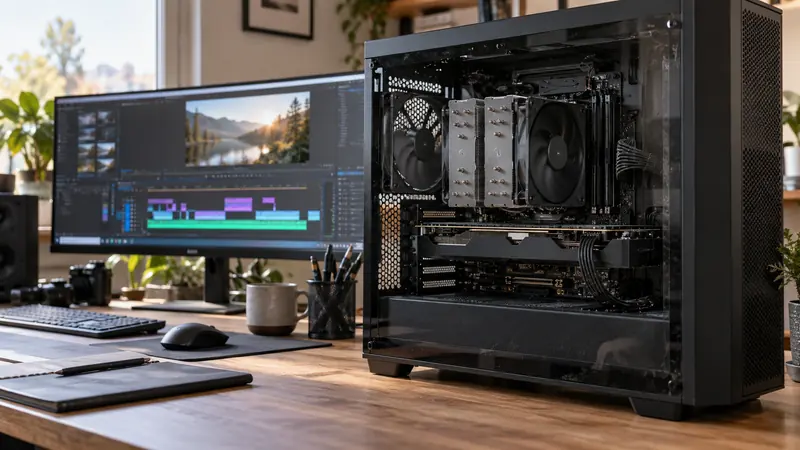
Ask separately whether the system accelerates source decoding, timeline processing and output encoding. These are different stages. A GPU-supported delivery encoder cannot by itself make unsupported camera footage decode efficiently.
On this page
Map the processing stages
| Stage | What happens | A useful check |
|---|---|---|
| Decode | Encoded source becomes frames the editor can process | Plain source playback without effects |
| Effects and compositing | Frames are graded, scaled, combined or transformed | Same sequence with costly processing toggled |
| Encode | Processed frames become the delivery bitstream | Controlled output-path comparison |
Storage reads and output writes still matter. So do memory capacity, audio processing and application implementation. “GPU accelerated” is a useful starting clue, but not a complete description of the project’s performance.
Use an isolation sequence
- Start with one representative source clip and no effects.
- Try a known proxy to investigate source-decoding cost.
- Return to the original and re-enable your normal effects in groups.
- Export a simple section and compare it with a processing-heavy one.
- Change the output encoder only after recording the source, processing and delivery settings.
Check the exact media mode
Look beyond H.264, H.265 or AV1 as broad names. Bit depth, chroma format, dimensions, frame rate and the container can all be relevant to application and hardware support. Check the vendor’s current documentation for your software and GPU generation. Do not read encoding support as proof of decoding support.
Interpret utilization cautiously
A low overall GPU percentage does not establish that every part of the GPU is idle, and a high CPU percentage does not prove that the CPU is the only bottleneck. Monitoring tools may show different engines separately. Combine observations with a change that targets a specific stage, then repeat the same sequence.
Buy for a demonstrated constraint
Before choosing new hardware, reproduce the bottleneck and confirm that the proposed upgrade addresses it. A proxy workflow or a simpler effect path may be the better immediate intervention. This article contains no measured hardware rankings. Continue with modest-PC diagnosis and encoder comparison.
Sources and scope
This guide proposes a repeatable method, not a measured performance result. Sources checked October 6, 2026.