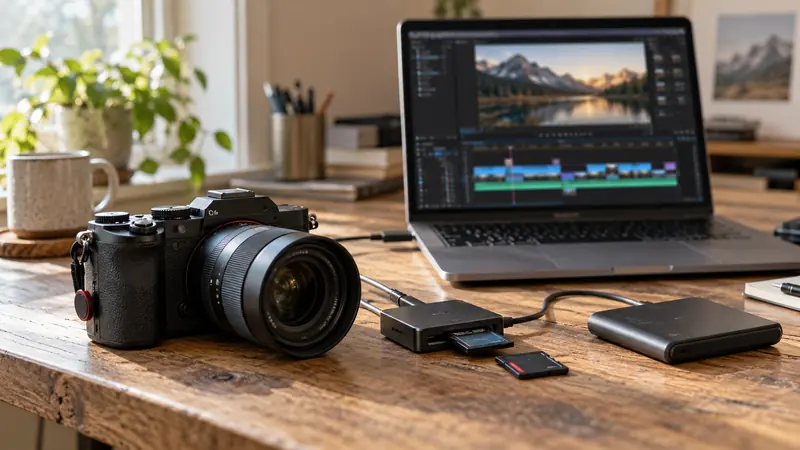
I would reproduce the failure on a short project copy and identify which combination of resolution, effects and media triggers it. A GPU-memory message is a useful clue, not a complete hardware diagnosis. Reducing an unrelated bitrate or deleting original media is unlikely to answer the right question.
On this page
Our recommendation
I would diagnose a repeatable workload before buying hardware. Choose an upgrade only when the supported requirements and controlled test show that it addresses the actual failing stage.
Create a controlled failing sample
Keep a copy of the project and a known failing section. Record application build, GPU, driver, source dimensions and enabled effects. Try a supported bypass of demanding effects or a lower working resolution while preserving the intended final-delivery plan.
Change one factor at a time and note whether the failure disappears, moves or remains at the same frame. A corrupt frame, plugin issue or unsupported configuration can resemble a resource problem. Use official support guidance for the exact error rather than assuming all “memory” messages mean system RAM.
Use the result to choose the next step
If one effect at a large frame size consistently triggers the problem, investigate that effect’s requirements and supported alternatives. A proxy may improve decoding while leaving a full-resolution effect stage expensive. Do not assume that a proxy file reduces every downstream memory demand.
Test a short final-quality render after any workaround. Keep the original settings and document compromises such as an intermediate render or reduced effect. A purchase decision should identify the required application support and memory capacity, not merely compare unrelated benchmark scores.
A useful isolation test
A section fails only when a particular temporal effect is enabled at the final frame size. Bypassing that effect makes the sample render. That narrows the next investigation to the effect, its settings, software support and available resources. It does not prove that every part of the project needs a new GPU.
Before you act
- Keep a project copy and a failing sample.
- Distinguish GPU memory, system RAM and decode load.
- Verify a final-quality proof after the workaround.
Use the Export time estimator to apply the guide to your own setup.
Keep exploring
- Decode, effects and encode: three different GPU questions
- Export fails at the same frame: isolate the cause
Method note: this is an original planning procedure with illustrative inputs. It does not report a physical product test. Check the exact product, edition and official instructions before acting.
Build on what you just learned
Your next useful step.
Test a representative section before spending.
Resolve Free or Studio? Buy for a demonstrated workflow need
I would start with Resolve Free when its tested workflow meets the project, and buy Studio for a specific supported feature or processing requirement.
Read the guide →
USB-C is a connector: check the data speed of the whole SSD path
I would check the host port, cable, hub and SSD specifications before paying for a faster external drive.
Read the guide →