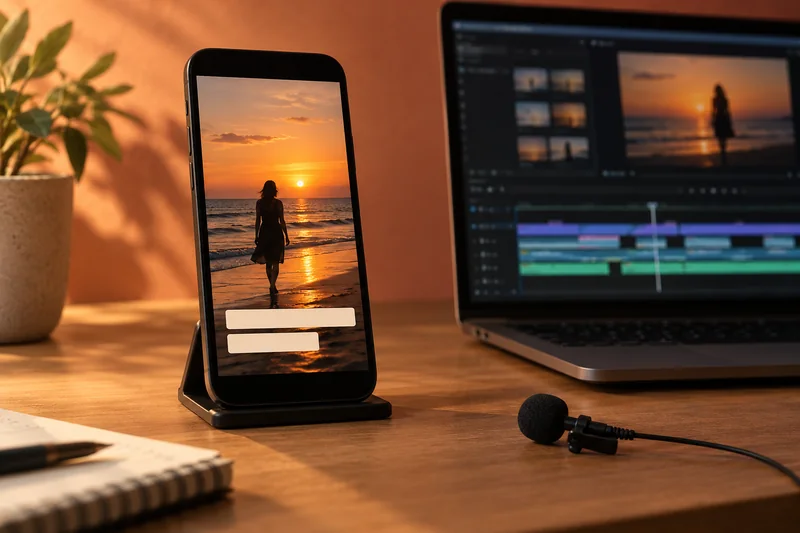
I would transcribe a short representative passage before generating captions for the entire edit. Install the required language pack and verify names, numbers and specialist terms. A fluent-looking transcript can be wrong in ways that spellcheck and timing checks will not catch.
On this page
Our recommendation
I would use automatic transcription to accelerate the first draft, with human content verification before caption styling. For specialist material, maintain a small reviewed terminology list rather than repeatedly correcting the same name by eye.
Prepare the actual speech sample
Adobe documents downloading transcription language packs from Premiere’s Text workflow. Check the installed language and current feature requirements before a deadline or an offline session. A translation feature and a source-language transcription are separate stages; confirm what each output represents.
Choose a sample with the speaker’s accent, background sound and terminology. Keep speaker identity clear where the project requires it. If the recording has several voices or languages, do not assume one automatically selected setting will identify every segment correctly.
Proof content before timing
Compare the transcript against the original audio, especially product names, negations, dates and quantities. Correct the words before spending time polishing caption breaks. Keep a terminology note for repeated names so later replacements stay consistent.
After captions are created, review timing, line breaks and the intended viewing layout separately. Use the Subtitle QA Desk on an exported text file to identify mechanical issues, then watch the captions with the actual video. The tool cannot decide whether a sentence matches what the speaker said.
A high-value sample
Transcribe thirty seconds containing a model number, a person’s name and a negative statement. If “does not support” becomes “does support”, the error changes the meaning despite looking grammatical. Correct the source transcript and check similar phrases before generating a polished caption track.
Before you act
- Verify the language and required pack before the session.
- Proof meaning, names and numbers against the audio.
- Check exported timing after content corrections.
Use the Subtitle QA Desk to apply the guide to your own setup.
Keep exploring
- Choose burnt-in or sidecar captions for the recipient
- Check vertical-video captions against the actual viewing layout
Sources and research notes
Research checked on 21 October 2026. Product specifications are manufacturer statements; examples and buying judgements are our analysis. No hands-on product test is implied.
Build on what you just learned
Your next useful step.
Check the crop, captions and real viewing layout.
Vertical video delivery for TikTok and Instagram
Build the vertical edit for the frame people will actually see, then verify it in the destination app. A 1080 × 1920 canvas is…
Read the guide →Check vertical-video captions against the actual viewing layout
Keep essential text inside a deliberate safe region and verify it in the intended platform’s current viewing layout. One permanent pixel margin cannot represent…
Read the guide →
