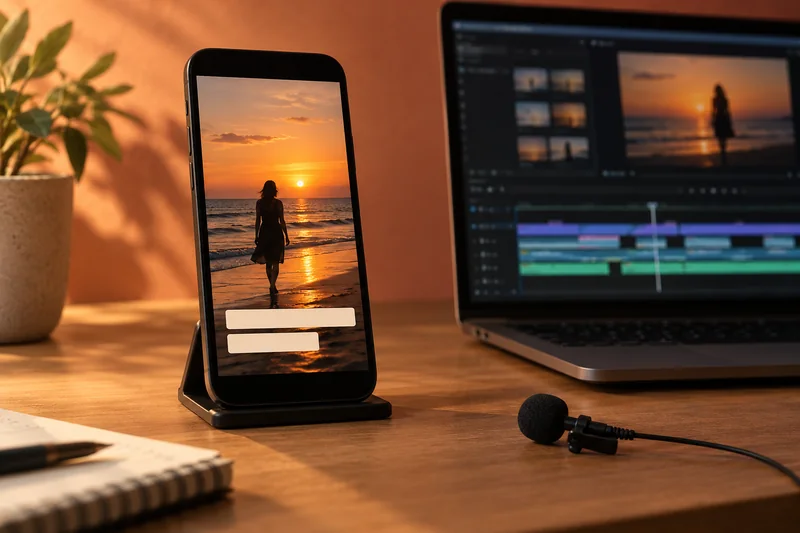
Answer: Keep essential text inside a deliberate safe region and verify it in the intended platform’s current viewing layout. One permanent pixel margin cannot represent every device, overlay or placement.
On this page
Creator Edit Lab editorial project · Updated October 21, 2026 · Original decision framework and illustrative example. No physical product measurement or hands-on benchmark is claimed.
Why the distinction matters
A vertical canvas defines the image shape, while interface buttons, captions and feed crops define what can be comfortably read. Treat them as separate constraints. Frame faces and action deliberately instead of relying on a centered crop of a landscape edit. Use a private or appropriate preview route to check the intended presentation before publishing.
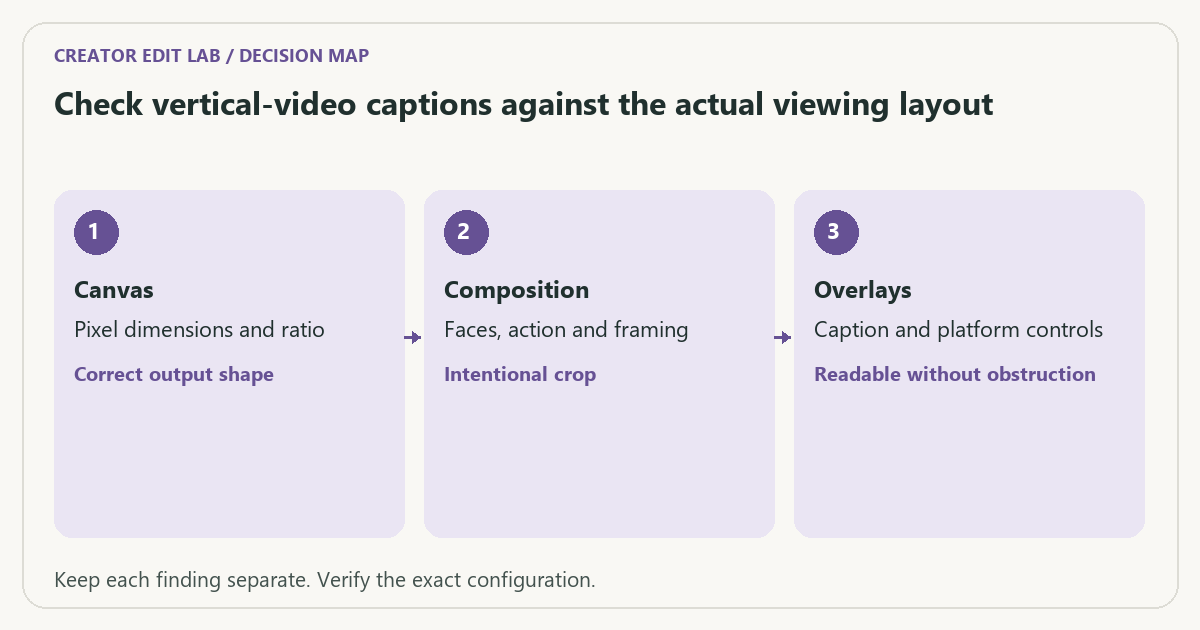
A practical sequence
- Set the required canvas and inspect each reframed shot for important content.
- Place captions and graphics with room for the current destination interface.
- Export a short representative proof containing the longest caption and important lower-frame action.
- Review the proof on the intended device and destination layout, then adjust the edit.
Decision record
| Check | What it means | What to verify |
|---|---|---|
| Canvas | Pixel dimensions and ratio | Correct output shape |
| Composition | Faces, action and framing | Intentional crop |
| Overlays | Caption and platform controls | Readable without obstruction |
Worked example
A hypothetical 1920 × 1080 landscape frame cropped to a centered 9:16 area at full source height retains about 608 pixels of width. A speaker near the far edge can disappear even before scaling to the delivery canvas. Reframing that shot is an editorial decision, not a bitrate fix.
Verify the result
Check burnt-in text in the saved output at normal phone viewing size. Keep a clean master or editable title layer so later interface changes do not require reconstructing the project.
Download the editable CSV worksheet · Delivery workbook
Question and answer
Can I reuse one safe-area overlay forever? Treat it as a dated working aid. Recheck the destination’s current layout and the actual placement where the video will appear.
Sources and scope
- Adobe Premiere: export settings reference — Export, caption and source options; verify your installed release.
The decision sequence, diagrams, worksheet and worked case are our editorial work. AI assisted research, drafting and implementation. Official references support the named technical distinctions; examples do not establish real product performance.
Continue the task
- Vertical video delivery for TikTok and Instagram
- Choose burnt-in or sidecar captions for the recipient
- Browse the complete resource library
Build on what you just learned
Your next useful step.
Check the crop, captions and real viewing layout.
Premiere transcription: choose the language and proof names before making captions
I would transcribe a short representative passage before generating captions for the entire edit.
Read the guide →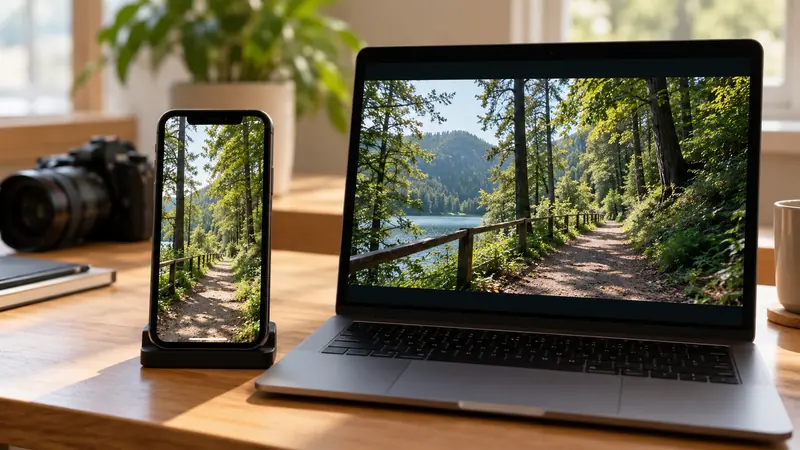
Vertical video delivery for TikTok and Instagram
Build the vertical edit for the frame people will actually see, then verify it in the destination app. A 1080 × 1920 canvas is…
Read the guide →
