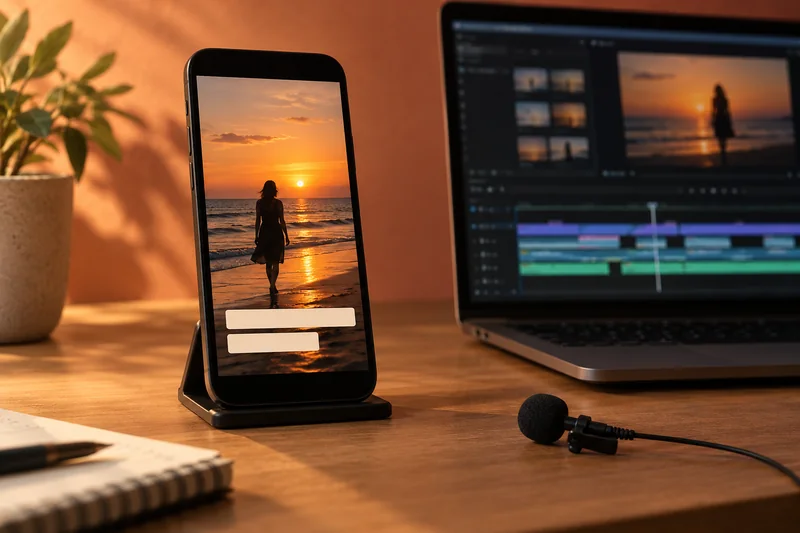
Run mechanical checks on the exported subtitle file, then watch it with the delivered video. I would correct invalid timing and empty cues first, then review readability warnings in context. A clean report cannot establish that the words are accurate, translated well or positioned correctly in every player.
On this page
Our recommendation
I recommend a mechanical pass followed by an audiovisual review. Keep the original and the checked version, and document any intentional exceptions instead of chasing a zero-warning score at the expense of meaning.
Inspect the file that will be delivered
Export from the final approved timeline and keep the language and version in the filename. The Subtitle QA Desk accepts ordinary SRT and basic WebVTT text locally in the browser. It checks supported timing syntax, reversed or empty cues, order, overlaps and adjustable readability thresholds. It is not a full validator for every caption format or WebVTT feature.
Keep an untouched copy before editing or shifting times. If the tool reports a parse error, inspect the affected block in the source application. Do not silently drop an unparsed cue just to obtain a clean count.
Prioritise the findings
Timing errors can prevent a cue from displaying as intended and should be resolved before delivery. An overlap or a long line may be intentional, so review it rather than deleting it automatically. Choose limits for the language, audience and recipient’s specification instead of treating the defaults as universal rules.
Import the checked result into the intended player or platform. Watch the beginning, a dense section and the ending, then review the full programme as required. Check speaker identity, non-speech information and agreement with the audio. The W3C caption guidance explains why automatic text alone is not a complete accessibility result.
A useful order of work
A file contains one reversed timestamp, two short cues and an intentional overlap between speakers. Fix the reversed time first. Review the short cues against the spoken pace and keep or revise the overlap according to the delivery format. Then play the final export with the exact video version rather than assuming the text report settles every issue.
Before you act
- Check the exported final version.
- Resolve parse and timing errors before style warnings.
- Watch the captions in the actual destination player.
Use the Subtitle QA Desk to apply the guide to your own setup.
Keep exploring
Sources and research notes
Research checked on 21 October 2026. Product specifications are manufacturer statements; examples and buying judgements are our analysis. No hands-on product test is implied.
Build on what you just learned
Your next useful step.
Check the crop, captions and real viewing layout.
Premiere transcription: choose the language and proof names before making captions
I would transcribe a short representative passage before generating captions for the entire edit.
Read the guide →
Vertical video delivery for TikTok and Instagram
Build the vertical edit for the frame people will actually see, then verify it in the destination app. A 1080 × 1920 canvas is…
Read the guide →
