Identify whether captions are embedded in the picture, supplied as a selectable track or generated by the platform. I would deliver an explicitly named clean version and caption assets when the brief calls for them. Two readable tracks can become an unreadable stack when both are displayed together.
On this page
Our recommendation
I favour an explicit clean/burnt-in/sidecar package and a final platform playback check. Choose caption presentation deliberately, with the recipient’s accessibility and distribution requirements in view.
Identify each layer independently
Play the video with player captions disabled. Any remaining text is likely part of the picture or another rendered overlay. Then enable the intended caption track and check whether a second copy appears. A sidecar file is not the same thing as text permanently encoded in the image.
Check the uploaded platform version separately from the local file. Automatic captions or an attached language track can add another layer. Do not delete a useful accessible track merely to hide a burn-in mistake without checking the delivery requirement.
Name and verify the deliverables
Use clear filenames and a manifest distinguishing clean picture, burnt-in captions and selectable subtitle files. If both versions are required, inspect both. Avoid sending two files with nearly identical names and expecting the recipient to infer the difference.
Review the actual viewing layout, especially on a small phone screen. Two caption layers may overlap each other or the platform controls. Keep the approved caption language and version linked to the exact picture edit so an old track is not attached to a revised cut.
A client upload check
The local review file contains English burnt-in captions. The platform also displays an English selectable track, creating two lines in different positions. Confirm the intended deliverable: a clean picture plus selectable track may be preferable, while a social version may deliberately retain burn-in. Correct the package rather than randomly moving one layer.
Before you act
- Test with player captions off and on.
- Distinguish the local export from platform-generated tracks.
- Keep language and edit version matched.
Use the Delivery workbook to apply the guide to your own setup.
Keep exploring
- Choose burnt-in or sidecar captions for the recipient
- Check vertical-video captions against the actual viewing layout
Method note: this is an original planning procedure with illustrative inputs. It does not report a physical product test. Check the exact product, edition and official instructions before acting.
Build on what you just learned
Your next useful step.
Check the crop, captions and real viewing layout.
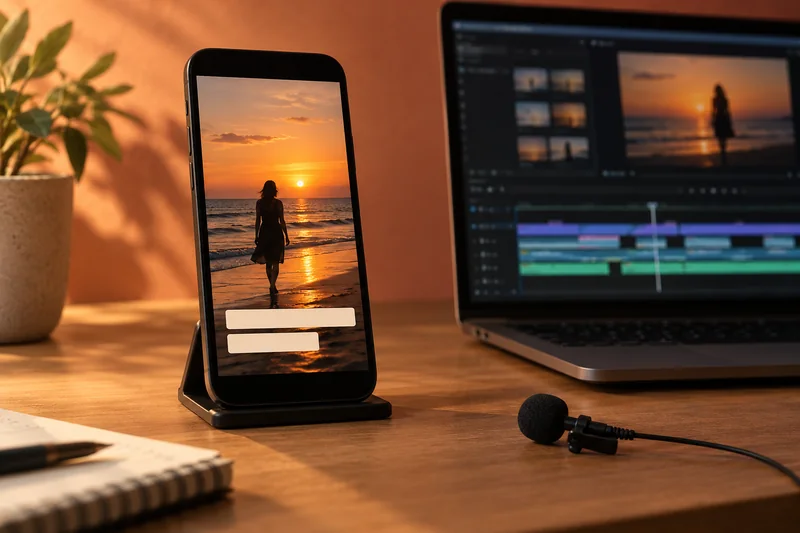
Premiere transcription: choose the language and proof names before making captions
I would transcribe a short representative passage before generating captions for the entire edit.
Read the guide →Vertical video delivery for TikTok and Instagram
Build the vertical edit for the frame people will actually see, then verify it in the destination app. A 1080 × 1920 canvas is…
Read the guide →
