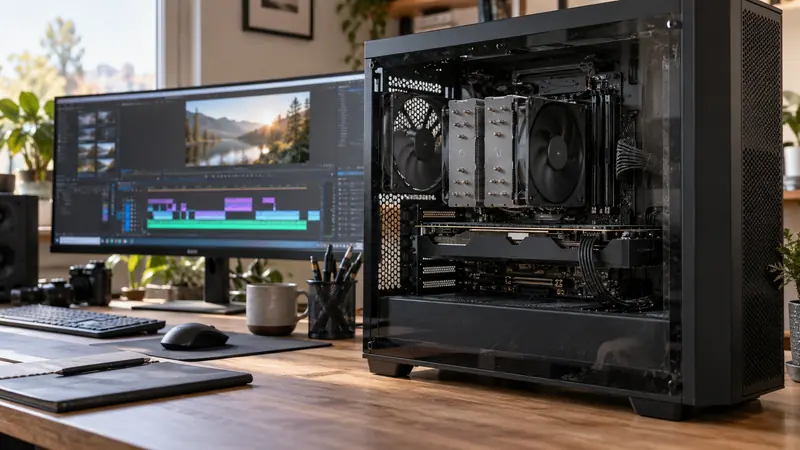
I would inspect which stage is falling behind before changing the encoder or buying hardware. OBS must compose the scene as well as encode it. A game can look smooth while the recording misses frames because the remaining graphics resources are insufficient for the complete capture workload.
On this page
Our recommendation
I favour a repeatable load test and a targeted adjustment. Buy hardware only after the bottleneck is demonstrated and the proposed upgrade addresses that stage of the pipeline.
Simplify a representative test
OBS’s performance guidance explains that scene composition uses GPU resources and recommends examining game load, scene complexity and output settings. Record a short repeatable test with the real scene, then a simpler scene. Keep resolution, frame rate and encoder settings documented.
Distinguish rendering-related missed frames from encoding-related skipped frames in the available statistics and logs. A network-drop problem is another category when streaming. Do not apply a bitrate change to every category without identifying the failed stage.
Change one load at a time
If scene rendering is constrained, test a simpler scene or a reasonable game frame-rate limit so OBS has resources to compose. If encoding is constrained, compare supported encoder settings or a lower output demand. Retest the same section rather than comparing unrelated gameplay.
Inspect the saved recording for motion, audio and duration. A statistics counter is evidence to investigate, not the only acceptance criterion. Keep the successful profile and repeat a small test after adding a browser source, camera or major effect.
A controlled comparison
A complex scene with several animated sources drops frames while a simple game-and-microphone scene does not. That points toward scene load as a useful next investigation. Replacing the encoder before testing scene complexity would change another variable without addressing the observed difference.
Before you act
- Record rendering, encoding and network symptoms separately.
- Compare the same scene segment after one change.
- Inspect the saved file as well as statistics.
Use the Export time estimator to apply the guide to your own setup.
Keep exploring
- Decode, effects and encode: three different GPU questions
- Estimate a full export from a representative timed sample
Sources and research notes
Research checked on 21 October 2026. Product specifications are manufacturer statements; examples and buying judgements are our analysis. No hands-on product test is implied.
Build on what you just learned
Your next useful step.
Test a representative section before spending.
Resolve Free or Studio? Buy for a demonstrated workflow need
I would start with Resolve Free when its tested workflow meets the project, and buy Studio for a specific supported feature or processing requirement.
Read the guide →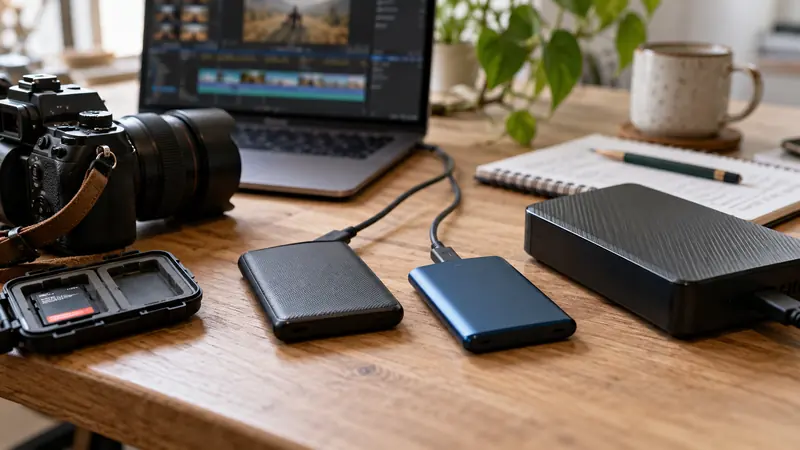
USB-C is a connector: check the data speed of the whole SSD path
I would check the host port, cable, hub and SSD specifications before paying for a faster external drive.
Read the guide →